The app offers a scientific calculator with complex number support and programmable keys. It includes graphing capabilities for up to nine equations, vector and matrix calculations, and a unit converter for various measurements.
by William Jockusch★ 4.422 ratingsEducation$1.99Data updated 2026-09-14
Sketch graphs or input data points to generate formulas. Use finger painting or keyboard entry to define data series. The calculates fit formulas and trend lines using least squares regression. Export results and view statistical analysis.
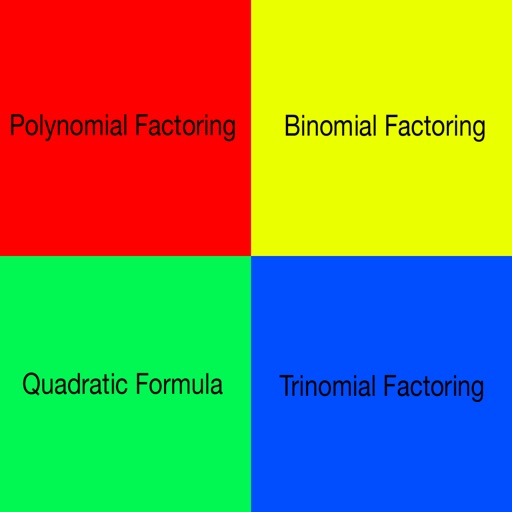
The app calculates the roots of a quadratic equation and the axis of symmetry. It includes built-in formulas, requiring users to input only the given information.
The app supports scalar product, cross product, and mixed product calculations in two and three dimensions. It also calculates the angle and module of vectors.
Allows users to plot 2D and 3D equations variable scaling. Input and solve scientific calculations, trigonometric functions, and logarithms. View data outputs and perform numerical operations.
Solve problems by snapping photos or typing equations. Auto-crop equations for clean scans. Receive step-by-step explanations with clear reasoning. Visualize geometry problems through drawing tools.
Test drive Machine Condition Monitoring sensors by connecting and plotting Time Waveform graphs and Vibration Spectrum in Acceleration, dB, and Velocity. Auto-calibrate to each sensor. Adjust sampling rates and number of samples for data acquisition.
The app provides practice for high school math subjects including trigonometry, algebra, and calculus. It offers test reports and a reward game after sessions.