On a chalkboard surface and shake to erase drawings. Add sound effects for drawing and erasing. Save images to Photos and email them. over photos to modify them. Play games like hangman, tic-tac-toe, and squares.
by Indigo Penguin Limited★ 2.76,487 ratingsUtilitiesFreeData updated 2026-09-08
The app allows users to combine multiple photos into a single collage. Users can select from various layouts and frames, add captions, and apply special effects.
Create albums and share photos and videos with specific people. Invite others to join Group Buckets for shared experiences. Generate links to share content instantly. Relive memories through organized collections.
Teaches drawing through interactive lessons and animated strokes. Breaks down drawings into simple shapes. Allows users to practice on a digital canvas. Offers guidance for both beginners and experienced artists.
Edit photos with filters, cropping, and brightness adjustments. Add text, stickers, and drawings. Remove blemishes and whiten smiles. Create collages with multiple layout options. Export in various formats and share directly.
Talk in the public feed by creating posts, commenting, and liking content. Follow conversations and discuss hot topics. Discover new friends through the Surroundings list without requiring login or profile photos.
The app provides custom-designed drawing tools that simulate real art supplies. Users can share their creations or save them for later, with options for interaction through likes and following.
Add text, signature, image, or logo watermarks to photos and videos. Choose from multiple fonts and colors for text. Import trademarks from photos. Apply full-screen watermarks easily.
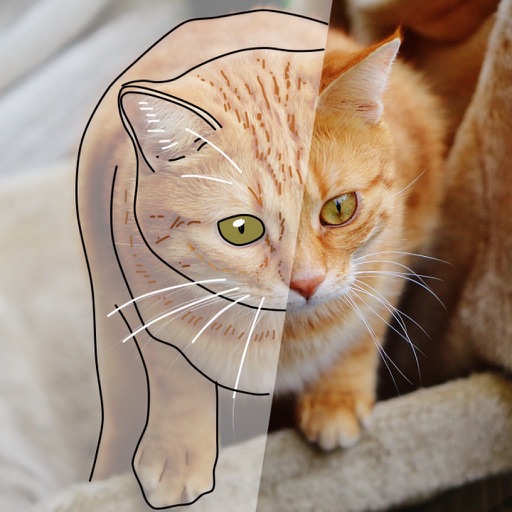
Over image templates with automatic pen tracking for accurate . Select from preloaded categories like animals, flowers, and vehicles. Choose from over 150 colors to customize drawings. Export final artwork in various formats.
Use AI to capture long exposure photos. Remove crowds, create light trails, and enhance waterfalls. Adjust exposure settings automatically. Preview and edit images with advanced tools. Share final photos directly.
Edit photos with effects, filters, and customizable stickers. Blend images and add 3D or overlays. Crop photos and draw on them. Apply frames and borders. Use a custom camera to capture and enhance images.
Shake device to trigger sounds. Choose from 10 sampled bells including church and hand bells. Automatically ring bells continuously. Track number of rings and compare rankings. Play sounds directly from the .
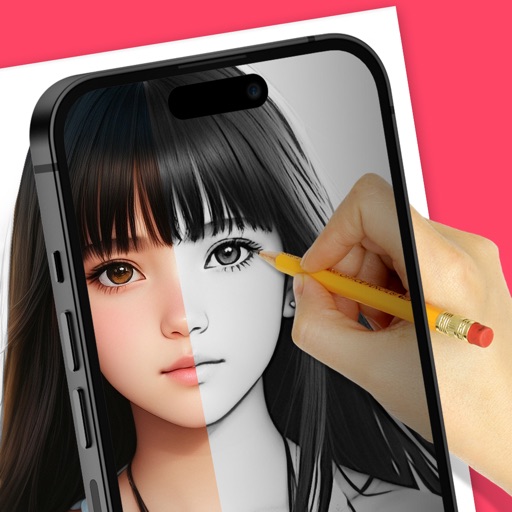
Trace images to create sketches or drawings. Adjust line thickness and brush styles. Use an eraser tool. Apply filters to images. Select from gallery or take new photos. Draw on paper with phone held 1 foot above.
Create and organize with customizable colors and drawing tools. Add sticky to a virtual corkboard or capture photos as memos. Use various pens and an eraser for editing. Share directly or save them for later.
For real estate by selecting a city and area or drawing a map region. Browse listings in list or map view with full-screen photos. Share preferred listings and contact agents or owners directly.
Use AR to project drawings onto surfaces. and paint with customizable brushes and canvases. Save and share artwork. Adjust lighting and perspective for realistic effects. Import images to base sketches on.
Create frame-by-frame animations using drawing tools. Share animations with a community. Participate in themed contests. Export animations in multiple formats. Sync with flipbook style playback. Collaborate with other creators.