Create melodies and harmonies by touching and shaking the screen. Generate color fields that correspond to musical elements. Adjust notes and tempo using bottom controls. Collaborate with the to compose unique pieces.
by Coffeeshopped LLC★ 4.26 ratingsEntertainmentFreeData updated 2026-09-08
Bouncing lets players jump by tapping the screen to avoid spikes. Navigate between black spikes without touching top or bottom lines. Collect coins and customize character in the shop. Compare high scores with friends.
Create and explore evolving visual environments with touch interactions. Save screenshots, change colors with double taps, clear the screen by shaking, and customize shapes and modes through controls. Use personal photos to enhance creative play.
Create and play ambient , soundscapes, and textured drones on-device. Generate melodies and arpeggios from text. Export MIDI files. Use free Lite mode or upgrade to Pro for advanced features. Sync with other apps.
Play and record melodies with realistic keyboard controls. Adjust volume, pitch, and tone settings. Choose from preloaded Indian classical and devotional scales. Save and share performances. Sync with music libraries for playback.
Convert photos into personalized tracks using AI. Input lyrics or describe a scene to generate original songs. Adjust tempo, style, and instrumentation. Export and share created directly.
Play melodies by blowing into the microphone, simulating a with a virtual air bag. Follow tutorials to learn musical notes and create magical tunes. Share performances and explore traditional music.
Create and edit chord progressions by selecting keys and chords. Build custom sequences and explore variations. Learn through interactive play and real-time feedback. Export progressions and integrate with music production tools.
Solve puzzles by touching, dragging, and using dual-touch gestures to locked boxes. Each increases in difficulty. Unlock new stages and progress through an endless series of challenges.
Create music by touching the screen to play notes and adjust sounds. Use multi-touch surfaces like radar, ribbon, or keyboard. Move fingers to modify tones. The semi-generative engine selects suitable notes automatically.
Create original songs using AI-generated melodies and lyrics. Customize genre, style, and musical elements. Add unique instruments and adjust arrangements. Export tracks in multiple formats and share directly.
Recreate melodies and beats by matching notes on a grid. Earn coins by accurately reproducing songs or modifying existing beats. Solve daily puzzles to improve musical skills and progress through 100 levels.
The app allows users to compose music for various ensembles and offers handwriting recognition with Apple Pencil. Users can import scores, edit notes, and export compositions as PDF, MusicXML, or MIDI files.
Create and manipulate music with unlimited instruments and audio recording. Build scenes using pattern mode and visual elements. Control instruments via multitouch and motion interface. Connect to HDMI and Airplay for live performances.
Create and play melodies, scales, and arpeggios with one-touch-per-note controls. Adjust pitch of individual notes in real time. Connect to software effects or record directly in DAW apps.
Learn melodies and chords from 16,000 classical pieces. Play with tempo and pitch adjustments. Access smart score scrolling during playback. Share performances. Connect via keyboard using USB adapter.
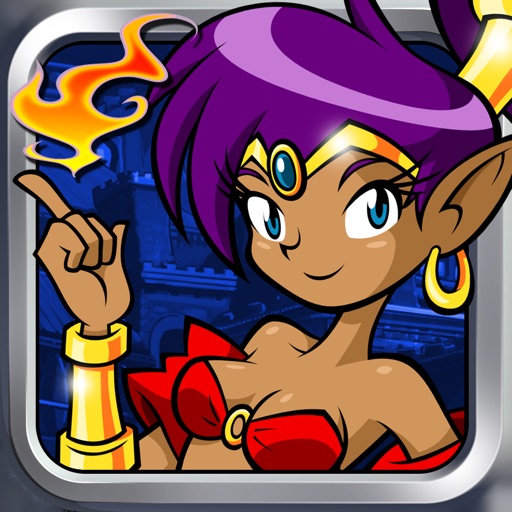
Play as , a half-genie character, through various environments like haunted wastes and deserts. Use magical attacks and hip-shaking transformations. Brew zombie coffee, save golden babies, and fight monsters. Explore labyrinths and enchanted forests.
Create and produce using AI-generated tracks. Input lyrics or descriptions to generate songs instantly. Edit and refine compositions with built-in tools. Export tracks in multiple audio formats and share directly.