Create melodies and harmonies by touching and shaking the screen. Generate color fields that correspond to musical elements. Adjust notes and tempo using bottom controls. Collaborate with the to compose unique pieces.
by Coffeeshopped LLC★ 4.26 ratingsEntertainmentFreeData updated 2026-09-08
Create chord progressions by clicking on the circle of fifths. Practice musical sequences in 4-12 measures across all 12 keys. Choose from various grooves and repeat progressions for practice. Export or share created sequences.
Listen to music with free tracks from 20 New Age pianists. Access news, photos, and videos from artists. Receive updates on new content. Share music directly from the .
The app allows users to take pictures and observe them collapsing under gravity. Dark areas function as empty space, and users can interact with falling pixels by touching the screen.
Play traditional sounds with adjustable chord, rhythm, and instrument volumes. Customize pitch by sliding strings and transpose notes. Adjust rhythm speed and access two octaves of playable range.
Turn your iPhone or iPod Touch into a musical instrument. Select chords and strum strings with fingers to create arpeggiated sounds. Edit and share songs, use MIDI support, and transpose notes with in- purchase.
Mbient music using geometric rules for relaxation and focus. Create endless, non-repeating tracks. View harmonic visualizations. Enable low-power mode to disable visuals. Play audio while device is locked.
Calculate beats per minute for accurate tempo. Determine chord progressions and harmonies. Generate chord sequences to inspire compositions. Adjust delay and reverb settings for music production.
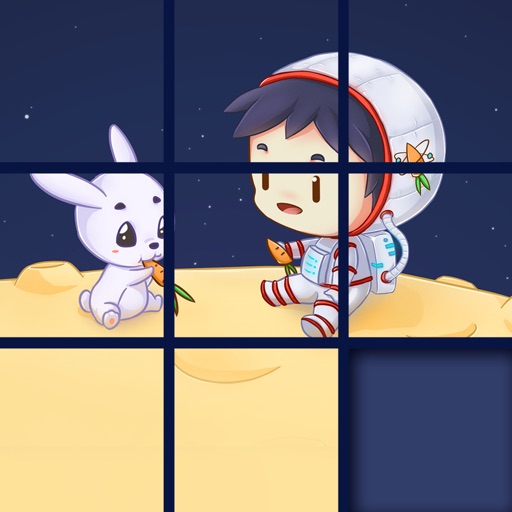
The app presents a sliding puzzle game where users arrange picture pieces into their original state. Pieces slide into adjacent empty squares, with the empty square ending in the bottom right corner.
The app offers six synthesizer sounds and eleven scales for creating music on the go. It allows for playing fast melodies or chords with polyphony enabled.
The app allows users to draw unique smiley faces by touching the screen. Users can share their creations with others through email, Facebook, or Twitter.
Create beats using pads, loops, and effects. Record and edit audio tracks. Save and share projects. Adjust tempo and volume. Add samples and custom sounds. Trigger patterns with touch or MIDI. Export in multiple audio formats.
The app enables users to create demotivational posters with their own images. Users can select photos from their library or camera, add top and bottom captions, and then save or share the creations.