The app connects to Mac or Windows computers from an iPad or iPhone. It supports multiple connections, various resolutions, and includes a trackpad for cursor movement and a keypad for modifier keys and shortcuts.
by Hana Mobile LLC★ 2.84 ratingsProductivity$4.99Data updated 2026-10-09
Type on a desktop web browser to control iPhone or iPad apps like WhatsApp and Facebook. Use a real for typing. Works with Windows, Mac, and Linux operating systems via modern web browsers. Select the custom within the to enable desktop typing.
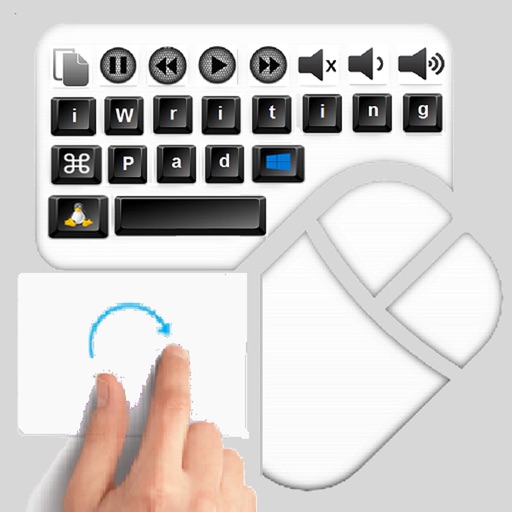
The app provides an iPad user experience on computers. It allows users to control PCs using touch gestures as a remote mouse and handwriting recognition keyboard.
Record details including depth, time, and location. Log site information while diving or on the boat. Capture GPS coordinates for sites. Sync with third-party logbook apps. Add notes and photos to each entry. View history and site maps.
Manage contacts, calendar, tasks, and notes in one interface. Outlook, Act!, Goldmine, or Palm Desktop. Set color categories for calendar events. Track task completions and appointment history.
The app allows users to access files on remote computers and file servers. It enables downloading and uploading videos, photos, and files between mobile devices and remote locations.
Display time in seconds on dynamic island and lock screen. Show desktop digital with millisecond precision. Switch between 12-hour and 24-hour formats. Use for video recording with small text and script windows.
The app decodes winmail.dat files, listing contained attachments and the email message. Users can preview, save, share, or resend attachments and the decoded email.
The app provides remote access and control for computers and internet-enabled devices. It offers central administration of authentication and authorization for consistent connectivity across platforms.