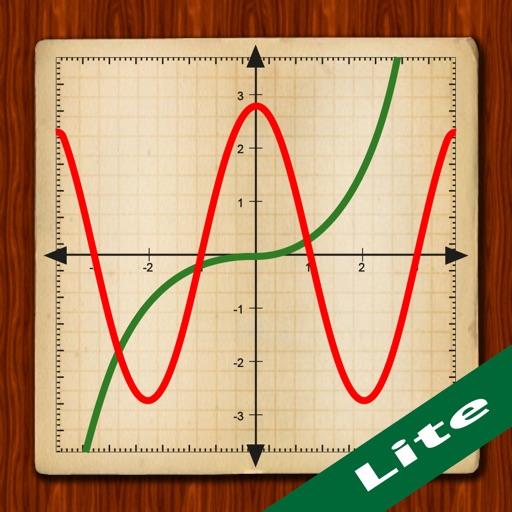
Allows users to plot functions, polar, and parametric graphs. Users can edit equations in the graph editor and view graphs. Features include tracing, finding intersections and extrema, displaying derivatives, and adding tangents.
The app offers six calculator types including graphing, handwriting, and scientific functions. It displays equations and results simultaneously, supporting equation solving and graph plotting.
Calculate mathematical expressions in real time with live updates. Edit and restructure equations dynamically. View step-by-step solutions and adjust variables on the fly. Share results via copy-paste or export as images.
Perform complex calculations with scientific, graphing, and programmer modes. View graphs and equations. Use the Today widget for quick access. Unlock advanced features with in- purchases. Reinstall to reset trial periods.
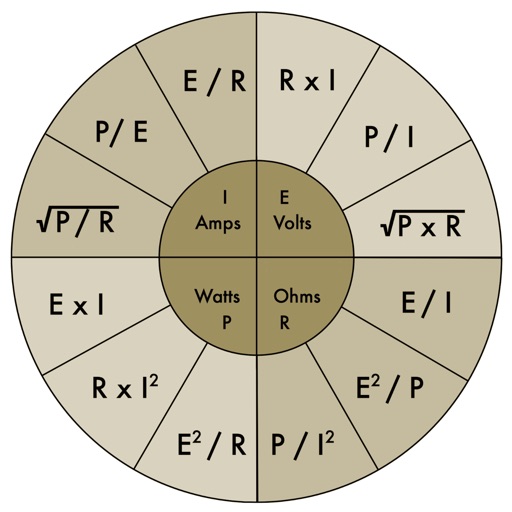
The app provides an electronic pocket reference guide for electrical professionals. It includes sections on motors, wiring, ampacities, grounding, voltage drop, conduit bending, tools, and safety.
Calculate areas, solve trigonometry, and complete homework
Complete homework tasks with offline access and tools. Calculate areas and use basic and trigonometry calculators. Convert units and solve first- and second-degree equations. Additional features will be added soon.
The app offers unit and currency conversion across hundreds of categories. It includes mortgage, loan, and tip calculators, with the ability to edit, add, or download templates.
Offers standard and advanced math functions including percent, negative sign, memory, brackets, and history. It includes trigonometry, roots, exponents, and logarithms.
Perform calculations using a scientific calculator with customizable layouts. Take notes automatically with the notepad feature. Enable multitasking with slide over and split view on iPad. Drag and drop elements for easy rearrangement.
Scientific calculator with powerful graphing functions.
The app provides a scientific calculator with a history tape and graphing capabilities for up to four functions. Users can zoom, pan, and trace graphs, and view function values in a table.
Perform basic and calculations including trigonometric and inverse trigonometric functions. Use mathematical functions like absolute value, ceiling, floor, and rounding. Modify calculations in real time by clicking steps.
A calculator with Basic and Scientific modes supports numbers and trigonometric functions. Perform quick calculations, access advanced operations, and view computation history. Generate random numbers with uniform distribution.
Manage budgets, mortgages, and loans with compound interest and tip calculations. Use speech voice for accessible feedback. Keep equation history, view real-time results, and export data to email or CSV.
Perform calculations with math functions and trigonometry. Switch between units like feet, inches, yards, and metric. Visualize measurements and fractions. Track projects with customizable templates. Export results in various formats.
Allows users to perform advanced scientific calculations with high precision and range. It supports standard and RPN input modes, built-in constants, and unit conversions. iCloud sync enables cross-device access to calculation history.