Calculate the between two dates, add or subtract from a , and determine workdays. Track workdays added or subtracted. Perform calculations with an intuitive interface.
Solve math problems from basic arithmetic to advanced algebra. Perform exact fraction calculations and store unlimited variables. Create custom functions and graph equations. Switch between exact and numerical modes.
The app provides machinists with reference information including GD&T symbols, unit conversions, and various calculators for feeds, temperatures, and lengths. It also includes a drill and tap chart and standard G and M codes.
Perform calculations using reverse Polish notation. Swipe to undo or redo operations. Access a 100-entry stack and 6 memory buttons. View large, easy-to-read displays. Save state on exit. Supports scientific functions and multiple undo/redo levels.
A lightweight with large and simple interface. Perform basic calculations and copy results to clipboard. Offers five customizable skins for different visual preferences.
Solve complex equations with trigonometry, logarithms, powers, and factorials. Graph functions instantly in DEG/RAD mode. Switch between scientific and graphing modes. Store and recall equations. Export graphs and calculations.
Calculate break-even price based on buying cost and quantity. Determine net or loss using expected selling price and commissions. Input and adjust values for accurate financial tracking.
Calculate dimensions, convert units, and perform angle and rafter measurements. Estimate material quantities and layout stairs. Input measurements for precise calculations. Save and reuse formulas for repeated tasks.
Solve algebraic equations by uploading photos. Receive step-by-step explanations. Access a built-in calculator for quick computations. Review past problems using the history feature.
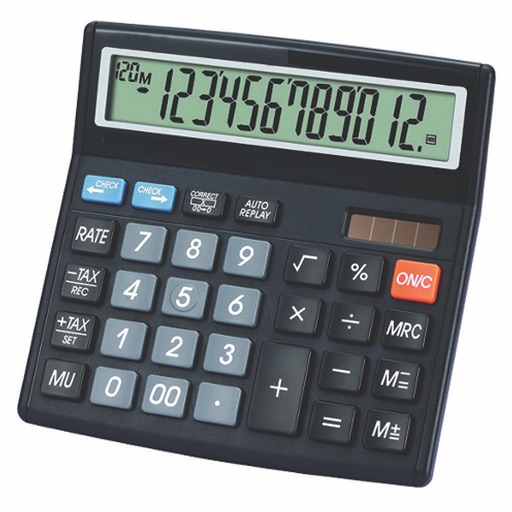
Calculate taxes with real-time GST rate updates. Input values to compute and GST amounts. Use memory functions M+, M-, MR, MU for financial calculations. Switch between two button layouts for easier navigation.
Allows users to perform basic and advanced mathematical operations. It includes a sidebar and tab bar for navigation and data sharing. Users can drag and drop entries to create new windows or use the context menu to generate new windows.
Calculator displays calculations in real-time and saves a history accessible by swiping up. It handles fractions, converting between proper, improper, and mixed formats. It supports degrees, minutes, and seconds for angle input.
The app calculates linear measurements, areas, volumes, and weights in US and metric units. It supports decimal or fractional notation and includes unit conversion, memory, rounding, and percentage functions.