Apps Like Animation & Drawing by Do Ink for iPhone and iPad
Create animations with vector drawing tools.
The app provides vector drawing tools and flipbook-style animation. Users can create frame-by-frame animations or single-frame vector artwork with various drawing tools and shape options.
by DK Pictures, Inc.★ 3.772 ratingsEducation$4.99Data updated 2026-09-13
Draw dots by pressing one finger, adjusting size based on press duration. Create lines and shapes with multiple fingers. Manipulate polygons by moving vertices. Export drawings in various formats. Share creations directly.
Create cards by adding photos to customizable and cake designs. Edit images with cropping, filters, and text tools. Share finished cards via email or social media.
The app allows users to create glowing artwork with drawing tools and add animations. Users can save creations to their photo album or email them to friends.
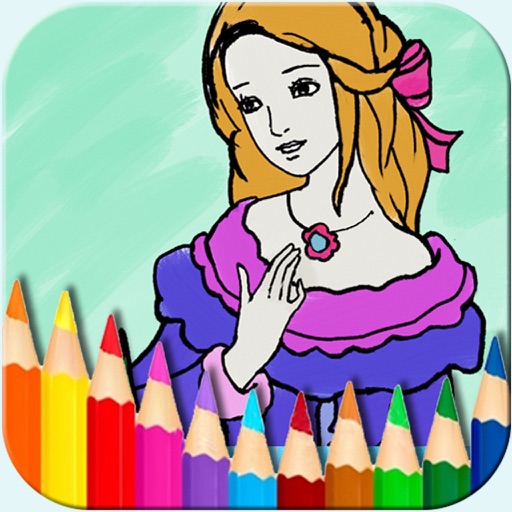
The app offers a digital coloring experience with over 150 free princess and fairy pictures. It includes 10 brushes for drawing and painting, and a movie feature to record and replay drawings as animation clips.
Create images, drawings, and paintings with customizable brush settings including thickness, color, transparency, and dynamic intensity. Sketch and modify simple graphics for logos, clothing, hairstyles, and more.
Create symmetric kaleidoscope patterns, mosaics, and fractals. Customize colors, shapes, and brushes. Use free-form zooming and add stickers. Adjust settings for unique designs. Save and share artwork.
Edit and navigate handwritten documents with vector drawing tools. Organize files using Apple's document browser. Sync with iCloud and other cloud services. Save in open SVG format for compatibility with other vector graphics software.
Take photos and videos with 200+ real-time filters, motion graphics, textures, and light leak effects. Adjust skin tone and apply vintage looks. Export edited media in various formats and share directly.
Can color and draw on various images. Choose from multiple templates and customize with colors. Save creations and share them with others. Learn basic art techniques through interactive activities.
Coloring and drawing with 100+ free girl-themed images. Use 9 unique brushes and 50+ pattern brushes to create artwork. Record drawings as animated clips. Save and share creations. Switch between coloring and freehand drawing modes.
The app allows users to create stickfigure-based movies and export them as animated videos. Users can import and animate images, add sound effects, and apply different filters to stickfigures.
Create curves using intuitive controls. Adjust curve points to modify shape. Animate curves with real-time frame rate and speed settings. Export animations for further use.
Draw with pencil, brush, eraser, marker, and pen. Customize brushes with texture and fill colors using a bucket tool. Add text and shapes to drawings. Change backgrounds with color, texture, or images. Use grid for guidance and mirror for faster .