The app presents over 170 flash cards across five difficulty levels for children aged 5 to 9. It supports multiple languages including German, English, Spanish, French, Italian, Dutch, and Swedish, with audio for German and English words.
by Wolfgang Rist★ 0.00 ratingsEducation$1.99Data updated 2026-09-13
Learn with a , grammar guide, translator, and interactive games. Access instant translations in 34 languages. View clear meanings with examples and usage tips. Explore full declension and conjugation tables for and verbs.
Learn with audio and images for words at levels A1-B2. Listen to native pronunciations in two languages. Adjust the time between language playback. Use hands-free mode while driving or walking.
Teaches through three levels of sound recognition. Includes games, puzzles, and animations to reinforce letter-sound connections. Allows children to practice reading and spelling with interactive activities.
Listen to podcasts with transcripts and translations
Listen to foreign-language podcasts with synchronized transcripts, translations, and word definitions. Use Siri commands to translate, repeat, or switch to English. Supports Japanese, German, and Spanish.
Learn script with structured cards featuring illustrations, pronunciation, and audio. Practice sorting consonants by class and sound. Take quizzes on vocabulary, grammar, and alphabet. Track progress with interactive exercises and review sessions.
Teach children to recognize letters, numbers, and through flash . Features include interactive card flipping, pronunciation, and progress tracking. Includes quizzes and word repetition for reinforcement.
Learn through guided practice. Practice writing letters with on-screen tools. Listen to pronunciation guides. Review letter shapes and stroke order. Save progress and revisit lessons offline.
Learn verb conjugations and vocabulary through reference tools and training exercises. Search by infinitives, forms, or translations. Access translations in English, French, Spanish, and German.
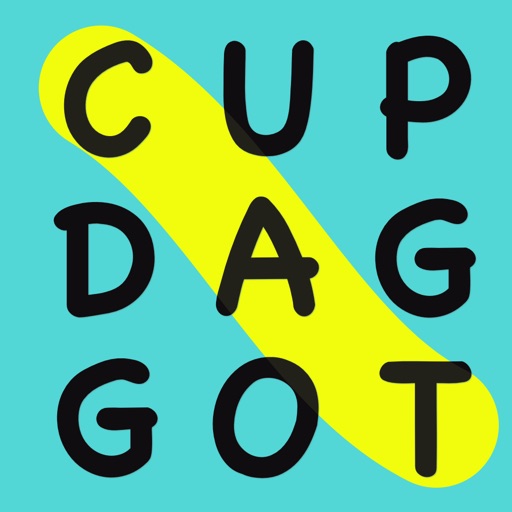
Solve word search puzzles by finding and marking on a grid. can be horizontal, vertical, or diagonal. Tap to highlight found and hear audio feedback. Use multi-touch to draw strokes. Customize pen colors through achievements.