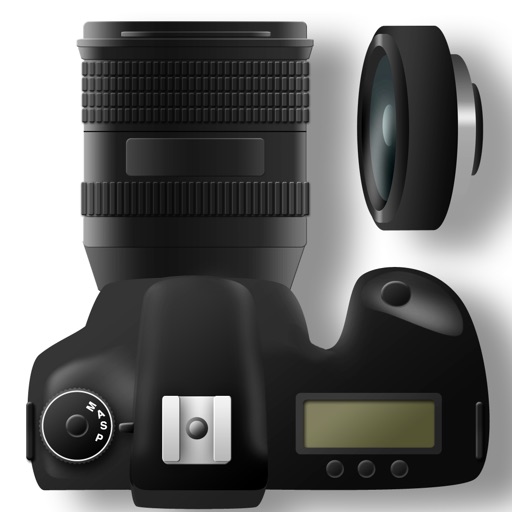
The app calculates recommended shutter speeds based on lighting conditions, f-stop, and ISO settings. It provides precise calculations that go beyond standard approximation tables.
by Jim Chapple★ 3.85 ratingsPhoto & Video$0.99Data updated 2026-09-13
For photographers without a built-in . Take readings from camera preview. Adjust measurement area by zooming. Switch between multiple rear cameras. Tap points of interest for precise exposure settings.
Control camera settings remotely via smartphone. Adjust focus, exposure, and shutter speed. Use Smart Mode for automatic scene recognition and optimization. Access live view and review photos directly. Sync with hardware for real-time adjustments.
View and edit for photos and videos. Display location data, camera model, aperture, shutter speed, ISO, and other tags. Remove or modify fields. Manage file names and timestamps.
Record video and photos with manual controls for exposure, focus, and white balance. Use advanced editing tools with 200+ professional filters. Adjust settings for low-light performance. Share directly via iMessage or social media.
Edit photos with exposure controls for shutter speed and ISO. Adjust focus with focus peaking and focus settings. Shoot in 48MP resolution on supported devices. Save in RAW format and apply post-processing adjustments. View RGB and luma histograms.
Capture photos with manual exposure and focus controls, RAW and TIFF support, and real-time adjustments. Edit images with advanced tools, apply effects, and export in high-quality formats. Share photos directly from the .
The app provides manual control over camera settings like zoom, focus, ISO, and shutter speed. Users can choose between manual and automatic modes for camera adjustments.
Offers full control over settings including white balance, exposure, ISO, shutter speed, and focus. It supports manual and automatic modes with priority options for ISO and shutter.
Record videos with a effect by displaying scripts beside the camera. Read lines while facing the camera to maintain eye contact. Position device freely for optimal script visibility during recordings.