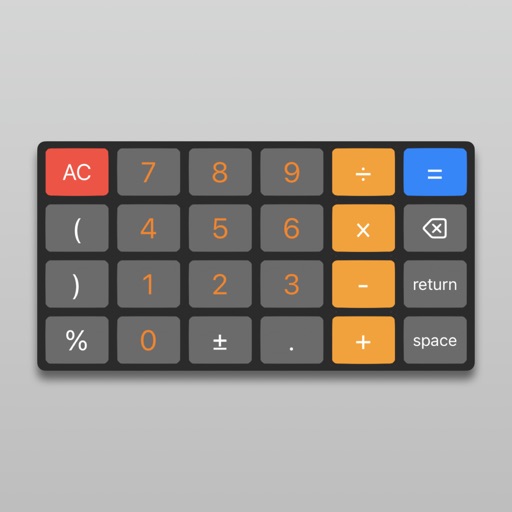
Allows conversion between Hex, Decimal, Octal, Binary, and Dozenal values. Features include large buttons for accurate input, a large display for readability, and gesture-based copy/paste functionality.
by Charles Prineas★ 4.810 ratingsUtilitiesFreeData updated 2026-09-08
Teaches basic arithmetic operations through simple . Allows children to addition, subtraction, multiplication, and division. Features colorful visuals, large buttons, and engaging animations.
A calculator with a large, easy-to-read display and simple buttons. Perform addition, subtraction, multiplication, and division. Features a clear layout and user-friendly design for everyday use.
Hexadecimal and binary calculators allow users to perform arithmetic and bitwise operations. Convert between number systems and view results in decimal, hexadecimal, and binary formats. Save and share calculation history.
Type emojis, symbols, and emotions directly without copy-pasting. Switch between 108 fonts for different styles. Use text arts and stickers with single-click access. Customize themes for personalized appearance.
Perform calculations with over 225 built-in operations including trigonometry, logarithms, complex functions, and real numbers. Scroll through the stack with finger gestures. Copy and paste results. Work with real and complex numbers.
The app offers a 64-bit calculator with 10 registers for saving values and multiple display options including Hex, Oct, and Bin. It includes trigonometric functions, unit conversions, and combinations/permutations calculations.
Convert binary to decimal, hexadecimal to octal, and other number systems. Enter values in the text area and tap to convert. View results instantly without additional steps.
Control Roku device or Roku TV remotely from iOS. Automatically detect Roku TV on same Wi-Fi network. Access all buttons for navigation. Use large trackpad for menu and content navigation. Manage TV channels directly.
Perform calculations with decimal points or commas. Correct entries using a backspace key. View calculation history in a display log. Switch between light and dark themes. Receive regular updates with new features.
View Unicode character details including symbol, display character, description, and numeric values in UTF-8, UTF-16, and decimal. Display binary and hex representations. Provide HTML entity format.
Calculate in decimal, hexadecimal, and binary bases. Switch between bases during equations and view real-time conversions. Display values in all three bases simultaneously. Perform arithmetic operations across different number systems.
Calculates with multiple modes and customizable settings
The app provides multiple calculation modes for various mathematical tasks. The app includes customizable interfaces and widgets for convenient use across devices.
Perform calculations with live voice input. Use an ergonomic key layout with an extra large "+" key and backspace function. Copy and send results via email. Support dark mode and retina display on all iPads and iPhones. Track usage history.
Convert units including currencies, length, weight, and temperature. Convert time zones and calculate percentages. Includes a running pace calculator and other utility tools for precise measurements and calculations.
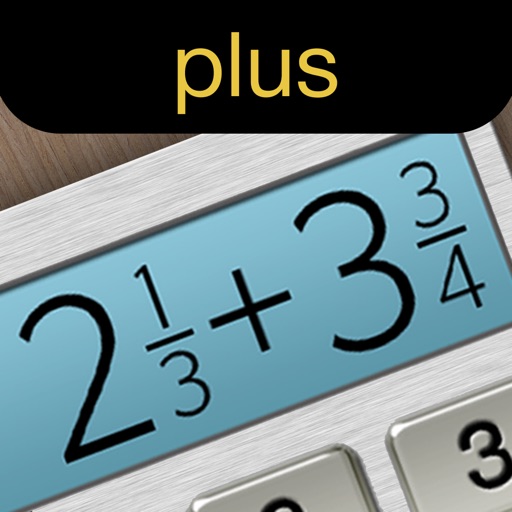
Calculate fractions by adding, subtracting, dividing, and multiplying. Convert fractions to decimals. Adjust recipe quantities for different serving sizes. Review math problems quickly and accurately.