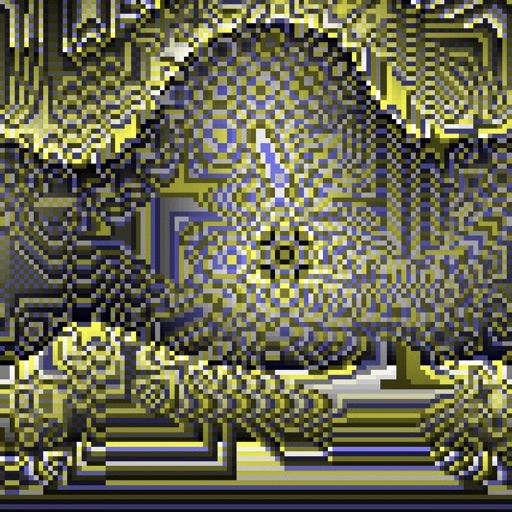
Create evolving shapes and color fields by touching and shaking the screen. Explore color noise, liquid merging, and spastic color bars. Capture screenshots of generated artwork.
by Coffeeshopped LLC★ 4.754 ratingsEntertainmentFreeData updated 2026-09-08
Create digital paintings using layers, masks, and clipping. Apply smudge and blur tools for texture. Draw shapes and use pure colors. Erase parts of artwork. Save and share completed pieces.
Play Peg by moving pegs across a board to leave just one remaining. Customize appearance with color themes and select from 11 different variations. Track progress and replay previous games.
Manage multimedia files across Google Drive, Dropbox, Box, and OneDrive. View and edit videos with full playback, playlist management, and trimming. Apply color filters, resize, and crop videos. Convert videos to audio formats like MP3 and M4A.
Collect logs of your own color and place them on a . Tap to move logs, adjust their positions, and complete levels by arranging them correctly. Track progress and unlock new challenges.
Book offers animal-themed pages for kids to color using correct colors. Features include selecting colors, erasing mistakes, and saving progress. Includes educational content about and memes.
Create art using color-by-numbers puzzles. Choose colors and fill grids to complete images. Save and share artwork. Access a community to view and comment on others' creations. Improve fine motor skills and concentration through gameplay.
Challenge friends and play fast-paced games offline
Play multiplayer games with up to four players without an internet connection. Choose from 12 games that test knowledge and reflexes, including flags, math equations, color matching, and shape counting.
Color pages with customizable tools and save progress. Play math-based mini-games for practice. Switch between and number challenges. Share completed artwork via social media.
Play as , a half-genie character, through various environments like haunted wastes and deserts. Use magical attacks and hip-shaking transformations. Brew zombie coffee, save golden babies, and fight monsters. Explore labyrinths and enchanted forests.
The app offers over 350 hand-drawn pictures for coloring, supporting hand-eye coordination development. It automatically saves progress and allows saving finished pictures to the Photos library.
Create and customize using 20 musical scales and 12 key signatures. Adjust 7 octave ranges and use 3-finger controls for playback. Share or save creations. Generate original tracks or follow pre-made examples.
Shoot bubbles by tapping the screen to pop matches of three or more. Complete levels by rescuing a set number of birds. Explore four themes with over 200 levels. Use boosters like Color and Fire . Play on mobile or tablet.
Add light leakage and filter effects to photos. Apply color date watermarks. Edit daily life and travel photos. Re-add date watermarks to existing photos. Simulate a real one-time camera with 8mm/35mm film.
Pour between connected bottles of the same color. Tap a bottle to transfer to another linked bottle with available space. Track levels and manage bottle connections.
Convert photos and videos into paintings or hand-drawn animations using AI. Apply sketching or painting styles with adjustable textures. Save the artwork process as a video. Choose from five standard art tools.
Create collages using pre-designed templates and personal photos. Sort images by color to filter matching photos. View and photo library simultaneously for easy arrangement. Add web images directly from the . Export and share finished collages.
Control LED RGB strips with color and brightness adjustments. Select from built-in patterns and rhythm effects. Set timers for automatic light on/off. Adjust brightness and color manually. Sync with mobile device for real-time changes.