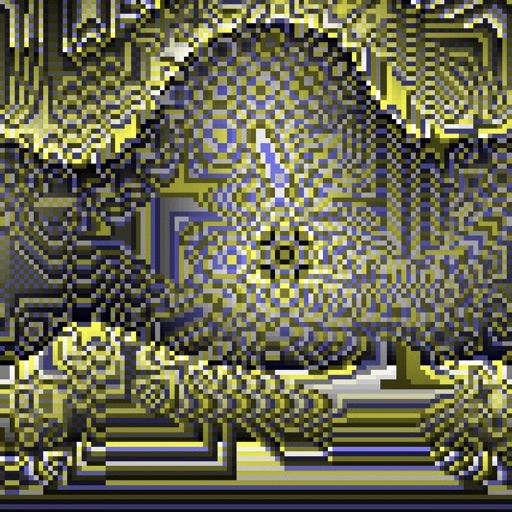
Create evolving shapes and color fields by touching and shaking the screen. Explore color noise, liquid merging, and spastic color bars. Capture screenshots of generated artwork.
by Coffeeshopped LLC★ 4.754 ratingsEntertainmentFreeData updated 2026-09-08
Color images by numbers to create detailed artwork. Choose from over 1000 illustrations in 8 categories. Save and share completed drawings. Adjust color palettes and zoom in for precision.
The app transforms photographs into artwork using an automatic painting tool. Users select a paint style and apply it to their photo, with options for brush size, stroke variation, and color tone.
Set with AI-generated designs. Browse and apply curated images for iPhone and iPad. Customize backgrounds with color themes and patterns. Share selected via social media or messaging.
The app offers coloring pages of top models with trendy dresses and hairstyles. Children can use their fingers as color pencils to paint and explore color combinations, fostering creativity.
This app helps children learn about objects, shapes, numbers, and letters through puzzles. It promotes logical thinking and color and shape recognition for users aged two and up.
Apply realistic color shift, film grain, and glitch effects to photos. Add date stamps and choose from 4 presets: Classic 80s, Worn Tape, Dream VHS, or Horror Night. Adjust brightness for a customized vintage look.