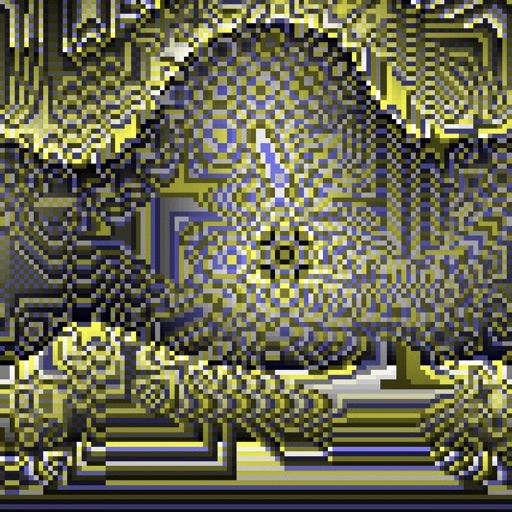
Create evolving shapes and color fields by touching and shaking the screen. Explore color noise, liquid merging, and spastic color bars. Capture screenshots of generated artwork.
by Coffeeshopped LLC★ 4.754 ratingsEntertainmentFreeData updated 2026-09-08
Game mode allows players to switch between robot and human opponents by tapping the green button. Robot has basic AI for challenging play. View stats by tapping the red button. First player color alternates each game.
The app offers tools for photo editing, including auto enhance, meme generation, stickers, frames, and text. Users can adjust color balance, saturation, and sharpness, and crop or rotate images.
The app allows users to create and pop animated colorful bubbles on their screen. Users can customize backgrounds, bubble styles, and sound effects by shaking the device.
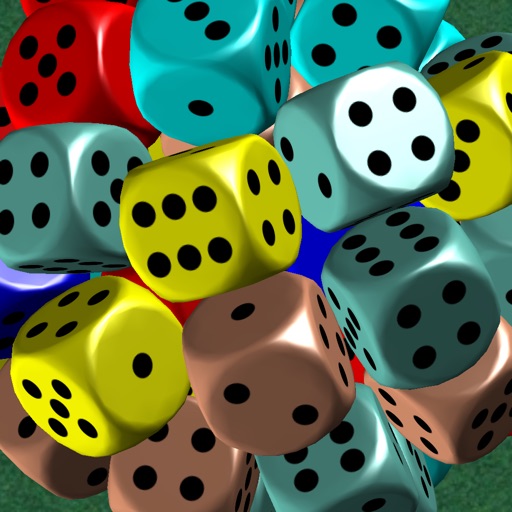
The app features 3D dice with dynamic physics and changing colors. Players tap dice to match at least three of the same color for scores and to find a hidden present.
Convert mathematical formulas into animated visuals with real-time rendering. Adjust parameters to control motion and color. Access tutorials and templates for beginners. Export animations as videos or images. Share creations directly from the .
The app turns an iPhone or iPod touch into an LED ticker. Users can create signs with motion effects, choose from eight colors, and manage messages with a folder system.
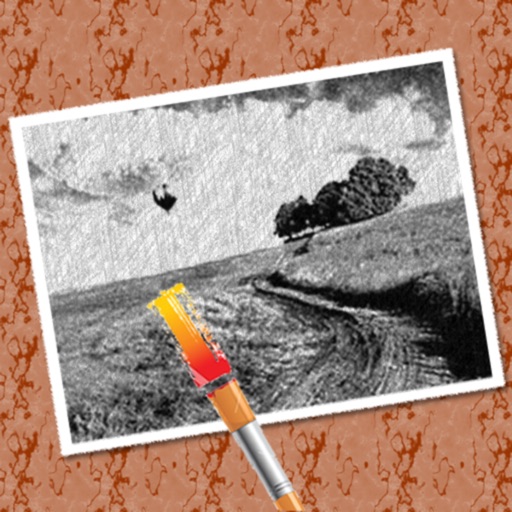
The app converts photos into pencil sketches for coloring. Users can import pictures from photo albums, the camera, or Flickr, and color them using touch controls.
Create square images for by blurring the , repeating the original image, or filling with a chosen color. Adjust borders to fit entire photos without cropping. Apply effects directly within the .
The app allows users to scan faces to check battle power levels and view statistics on a ranking page. Users can also save pictures and upload them to social media platforms.
Create and items to build a hamburger. Arrange delivered ingredients carefully. similar items to form larger pieces. Avoid overflow to keep the game going. Track progress and aim for high scores.
Combine photos into a framed layout with multiple options and patterns. Adjust images using two-finger panning and zooming. Apply filters and add overlays for titles. Export and share the final composition.
Generate AI-powered art in various styles with real-time creation. Adjust parameters to customize visuals. Share artwork directly. Explore different artistic effects and refine details through intuitive controls.