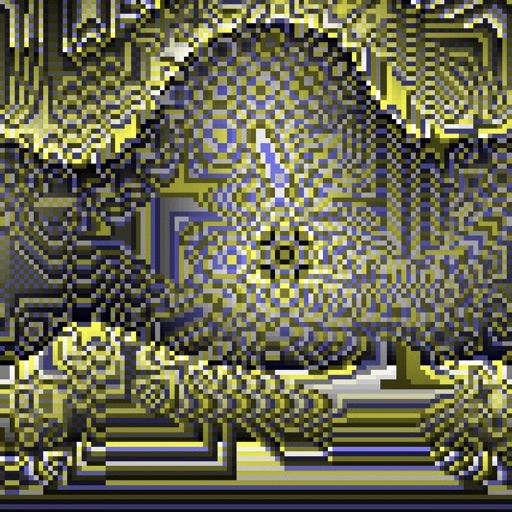
Create evolving shapes and color fields by touching and shaking the screen. Explore color noise, liquid merging, and spastic color bars. Capture screenshots of generated artwork.
by Coffeeshopped LLC★ 4.754 ratingsEntertainmentFreeData updated 2026-09-08
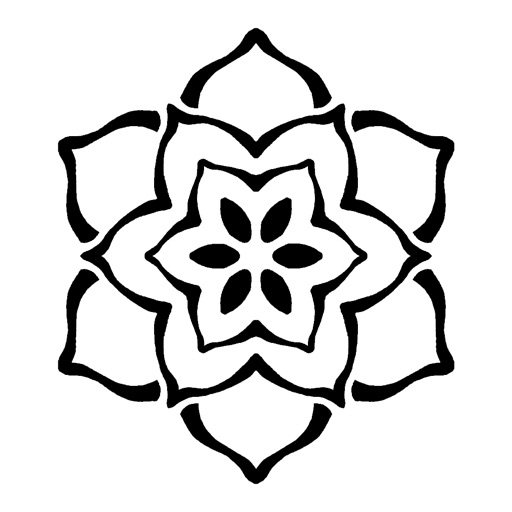
Create intricate symmetrical patterns by swiping fingers across the screen. Design limitless mandalas with customizable colors and shapes. Explore creative possibilities for logos or tattoos. Save and share finished designs.
The app allows users to digitally change their hair color, exploring various shades and styles. Users can select from a wide palette of colors and adjust them for unique combinations.
Kids can select pages from themed categories to create custom artwork. Color, print, and share creations with friends and family. Features include intuitive tools and options to save or print artwork.
The app offers live-calculated brushes and strokes that interact with a generated canvas texture. Users can adjust parameters like color and size while painting, and stroke size changes based on fingertip contact with the screen.
Play a -3 puzzle game with merging mechanics. Swap and car tiles to clear obstacles. Complete challenging levels with increasing difficulty. Unlock new cars and track progress through level completion.
Play by dragging and dropping colored blocks to fill the grid. Solve puzzles with no time limit. Access over 100 levels. Track progress through increasing difficulty. Share achievements with friends.
Color images and blank pages for drawing. Use realistic painting tools. Zoom in and out easily. Watch video replays of drawings. Access a variety of pages. Express creativity through drawing and .
The app transforms user images into watercolor art with liquid color pools and delicate details. It offers two professional-quality aquamedia styles, a randomize color button, and numerous styles for customization.
Create badges by entering dimensions in millimeters, centimeters, or inches. Input a and choose font and color. Print the directly. Unlock photo customization with an in- purchase.
Create digital art with a variety of brushes, layers, and color adjustments. Use an eraser for modifications and access reference avatars and sketches. Save and share completed artwork.
Edit photos by applying recommended background colors and color combinations. Adjust color schemes with two fingers. Blur backgrounds and select from multiple color options. Access photos from the album and make edits directly.
Pour between glasses by tapping them. can only be transferred between glasses of the same color if there is enough space. Restart levels at any time to avoid getting stuck.
Create sketches from photos with adjustable brush settings and layer controls. Choose from multiple art styles including cartoon, silhouette, and watercolor. Edit sketches with tools for tracing, erasing, and color adjustments.
Edit photos with filters, effects, and text tools. Add stickers, shapes, and draw over images. Adjust colors, lighting, and focus. Crop, resize, and enhance details. Apply tone curves and retouch features. Export and share edited photos.
Visualize music, interact with art, play creatively
Create dynamic visual displays with kinetic animations and interactive elements. Explore themes like fireworks, auroras, and atomic symbols. Adjust colors, speeds, and patterns. Share visuals on social media.
Play a bubble shooter game by dragging your finger to aim and shoot targets. Match three or more color to rescue baby animals. Progress through increasingly challenging levels. Use boosters to assist in gameplay.
Book allows users to color pages, add finger paint effects, and save artwork. Includes holiday and themes. Features include erasing, zooming, and sharing completed drawings.