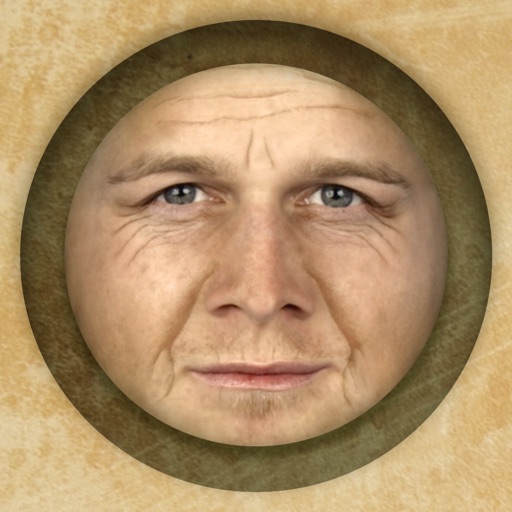
Predict how faces will look as they age. Upload photos to generate aged versions. Adjust aging intensity and style. Share results via email, messaging apps, and social media. Includes features like shaking to trigger aging effects.
by PiVi & Co★ 4.517,809 ratingsEntertainmentFreeData updated 2026-09-08
Edit photos by swapping between individuals in the same image. Tap "" to instantly replace . Also and clone to apply to other people in the . Export edited images directly.
Edit photos and videos with templates, quotes, stickers, and customizable text. Scale, rotate, position, duplicate, and flip elements with touch gestures. Create collages and design posts for social media. Export and share edited content directly.
Edit videos and photos with AI-powered tools. Transform pets into dancers, animate toys, and revive old photos with dynamic effects. Swap faces and apply age-changing filters. Export edited content in various formats.
Access and customize 500+ emoji including Grinning Face, Face With Tears of Joy, Winking Face, Smiling Face With Sunglasses, Face Throwing a Kiss, and Face Savouring Delicious Food. Add text, , and animations.
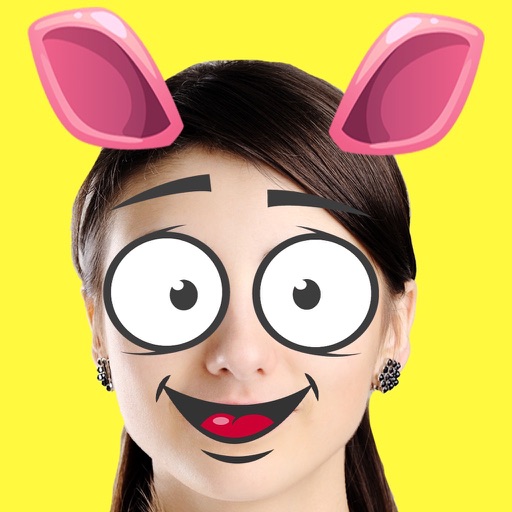
Create custom emojis by adding eyes, lips, hairstyles, hats, glasses, beards, mustaches, and props. Add text with various colors and fonts. Rotate, move, and zoom and text. Share emojis and memes directly within chats or social media.
The app reveals how faces would appear if the right and left sides were symmetrical. Users can load or take photos, process them, and compare facial sides.
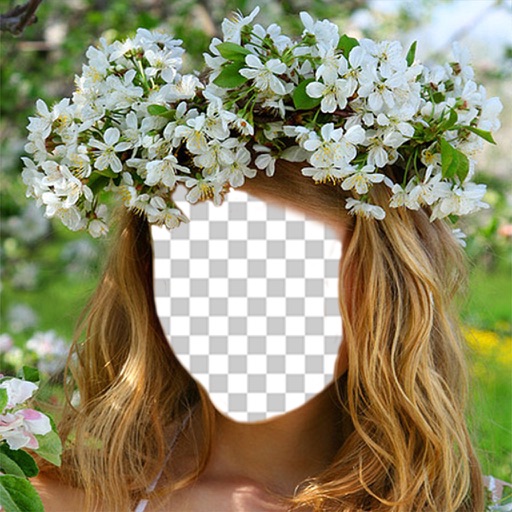
Faces allows users to overlay their on various funny images. Users can select from 12 categories and 300+ photos. They can take a selfie or upload an image and place their on the selected .
HC MAKER - PHOTO LOGO BACKGROUND EDITOR APPS FOR FREE
Apply filters and share photos
Edit photos by importing or taking a picture, then applying curated filters designed by professional photographers. Save edited images and share them directly. Access a library of free images for inspiration.
Analyze photos to find . Compare one face against others or identify the face pairs. Zoom and move within the review scene. Share result images to social media platforms. Process data entirely offline without storing user data.
Take a photo and transform your face into a using advanced morphing technology. Choose from various celebrities and see the result. Share the transformed image with friends on social media.
Edit photos with selective effects using gesture controls. Zoom and pan to adjust splash areas. Convert parts of the image to grayscale while keeping selected regions in full . Export edited photos directly.
Edit photos by applying faces and filters. Choose from free templates to try on. Upload photos from albums or Facebook. Share edited images on Twitter or Facebook. Select preferred for personal use.
Take photos or select images from the camera roll. Add festive stickers to create holiday-themed images. Save and share creations via email, Twitter, or Facebook.
Edit photos with effect and features. backgrounds and apply black-and-white conversion. Select areas for contrast. Zoom with two-finger pinching. Adjust brush size, opacity, and offset. Export edited images.
Edit photos with filters, effects, and backgrounds. Create collages and layouts with ready-made designs. Crop and mirror images for social media. Add text and frames. Share edited photos directly to WhatsApp and Instagram.
Create portraits that reflect personal style with customizable and synthesis tools. Adjust images using blur, resize, and text overlay features. Share edited photos directly to Twitter.