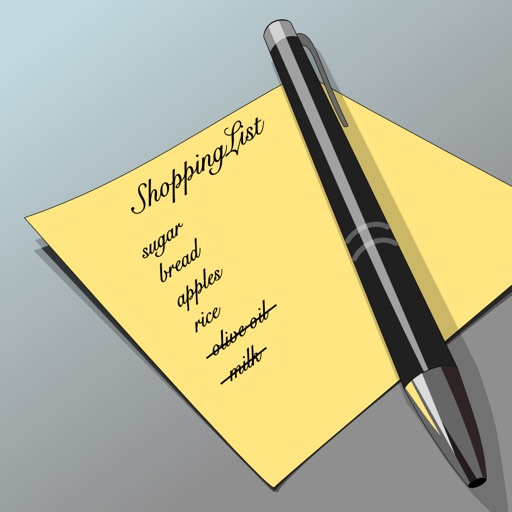
Manage lists with nested structures, up to 5 lists containing 50 items total. Create main lists with unlimited items. Add notes, check off items, and organize tasks. No synchronization or iCloud support in the lite version.
by Gary Riley★ 4.857 ratingsProductivityFreeData updated 2026-09-08
Create reusable checklists for tasks like shopping or packing. Organize items into with nested sublists. Sort manually or alphabetically. Hide completed items and view flattened . Edit or create items quickly. across devices using iCloud.
Share lists, sync across devices, manage categories
Create and manage lists with built-in products and categories. Share lists with friends and family. Sync across devices. Track updates in real time. Sort and edit items quickly. Organize items into categories for easy management.
Create personalized shopping routes based on selected stores and past trips. Organize items in store-specific order to minimize backtracking. Adaptively refine routes with each shopping session.
Track tasks with a simple, user-friendly interface. Mark tasks as complete, reset checked items , and view days since last check. Edit or review past days to mark tasks as done. Sync across devices and receive notifications for upcoming tasks.
Organize tasks with customizable categories and to-do lists. Add, drag, or delete items for transit. Include predefined productive lists and create custom notes or grocery lists. Track items to avoid forgetting essentials.
Track items such as spells, miracles, rings, shields, and weapons. View a list of trophies with acquisition methods and locations. Include descriptions of where to find each item. Provide direct links to the wiki for additional information.
Create and manage lists with item names and prices. View total costs at a glance and track purchases. Organize birthday gift lists and review lists before trips. Separate and manage collected items in albums.
Log and manage anaesthesia, surgical, and critical care cases with secure local data storage and encryption. Sync data via encrypted iCloud. Search and export records. No internet required. Subscription needed for data entry.
Create and manage lists with auto-complete suggestions for common items. Send lists via SMS or email. Maintain separate lists for and cart items. Delete or reorder items from both lists.
Create and manage lists with easy addition, editing, and deletion of items. Set reminders for and . Access lists via a home screen widget. Share lists with others for collaborative .
Organize schedules with to-do lists, reminders, and templates. Track progress and manage income and expenses. Categorize items with unlimited folders. Search and tidy up items with custom fields. Add expiration dates and generate QR codes.
Manage personal goals with categorized lists for wants, wishes, and dreams. Add images, set intermediate steps, and track progress. Edit items and organize them by category.
Track and manage daily tasks with customizable categories and priority settings. Schedule tasks by due date to view upcoming items. Set repeating events to automate task reminders and completion tracking.
Organize tasks into time-based categories like "tomorrow," "this week," or "next year." Set reminders and prioritize actions by time frame. Sync with iCloud and optional iOS Reminders for backup and data transfer.