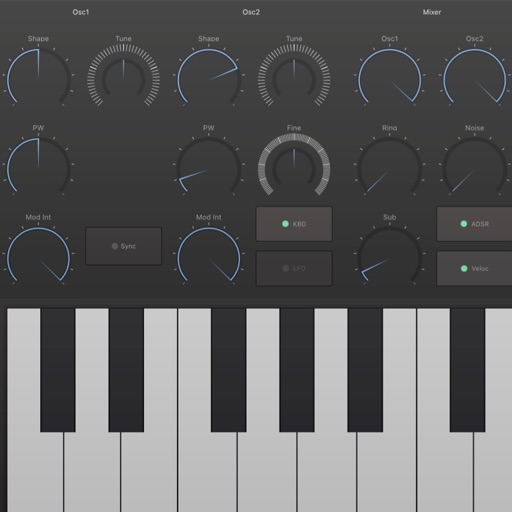
Record sounds via microphone and manipulate them live with pitch, distortion, and looping. Apply resonant filters, delays, and envelopes. Play sounds in stepped mode like a keyboard or free mode for microtonal effects.
by Mazbox Limited★ 4.2105 ratingsMusicFreeData updated 2026-09-08
Create and manipulate beats using a variety of sound files. Adjust parameters with knobs to shape audio. Export and share customized beats. Sync with other devices for collaborative projects.
Manipulate ambient sounds using microphone and speaker. Create feedback loops, adjust resonances, and use mouth as a filter. Capture impulse responses of objects or environments. Explore soundscapes and experiment with audio effects.
Sound frequencies with adjustable error range. Detect pitch, intonation, and interval of sounds. Compare frequency measurements for accuracy. Save and analyze sound data for musical analysis.
Record and playback audio samples with a multi-octave on-screen keyboard or MIDI device. Save, load, and reverse samples. Loop samples in forward, reverse, or forward-reverse modes. Apply reverb, resonant filter, and sample rate/bit crusher effects.
The app offers independent control for up to 10 simultaneous notes. It features a pitch control system that allows for expressive musical performances with visual feedback.
Create and manipulate sound using 3 oscillators per voice, each with different wavetable options. Modulate parameters for dynamic sound shaping. Integrate with DAWs via AUv3 plugin for MIDI input and sound source use.
EQ allows real-time audio analysis with a spectrum display. It features 4 parametric filters, low and high shelves, and stable parameter adjustments. Users can edit frequency response and integrate with DAWs like Cubasis and GarageBand.