Create sticky notes with customizable colors, text styles, and background patterns. Add photos to notes. Move notes to preferred locations. Paste text or images directly onto notes for quick note-taking.
by TENROKUBEYA, K.K.★ 4.811 ratingsBusinessFreeData updated 2026-09-08
Create and edit text notes with a rich text editor supporting bold, italics, and headings. Organize notes into folders and sort using customizable tags. Favorite folders for quick access. Search notes by title or content.
Record voice conversations and media files to generate speaker-labeled transcripts and instant notes. Extract action items and key points. Edit and share notes directly. Organize recordings into folders and search by keywords. Sync across devices.
Create visual mind maps with multiple directions and link them to a planner for task management. Organize ideas on a canvas, convert thoughts into actionable items, and manage projects with integrated planning features.
Save locations instantly with one tap. Add notes, photos, or voice reminders. View saved places on a map and in a timeline. Retrieve locations anytime to revisit or rediscover them.
Sales reps can browse and order products from multiple catalogues using search and filter options. View product details, promotions, and collections. Access customer accounts, order history, and financial data.
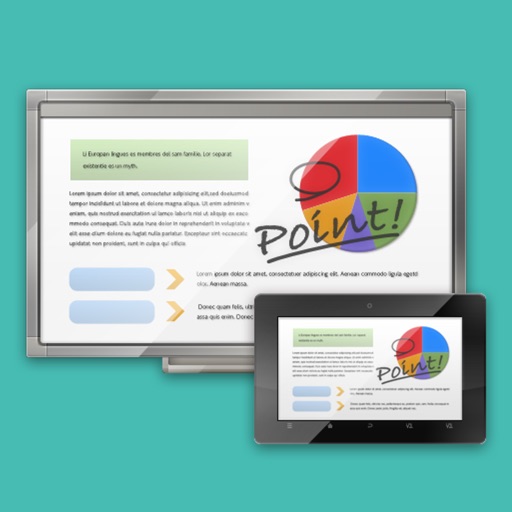
The app links a SHARP Touch Display or computer with a client device like a tablet in a wireless LAN environment. It enables sharing of meeting materials, screens, and interactive writing for annotated notes.