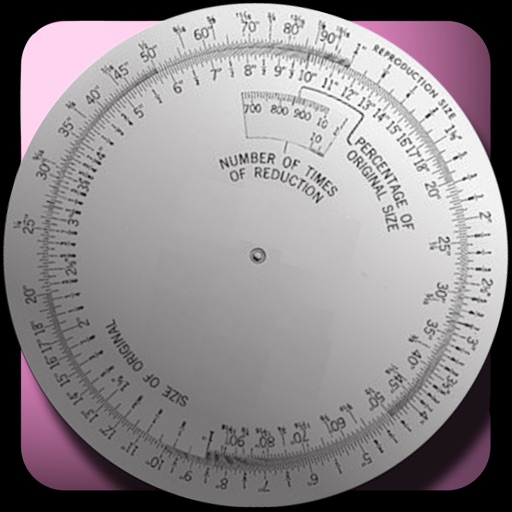
The app calculates new image dimensions while maintaining aspect ratio to prevent distortion. It offers fraction and percent modes, and an image scale tool for precise pixel sizing with a preview.
by Courtney Parsons★ 4.514 ratingsUtilities$1.99Data updated 2026-09-11
Apply -themed to images from the gallery or camera. Adjust frame size and position by rotating, scaling, zooming, or dragging. Choose from fifteen in various shapes and colors. Save edited photos to the device.
Calculate PPI by inputting screen dimensions and pixel count. Explain PPI vs DPI and dot pitch. Provide formulas and resolution categorization. Include definitions and user comments on related terms.
Reduce photo file size while maintaining quality. Resize images to fit specific dimensions. pictures for email, social media, or upload. Save storage space by optimizing image formats. Share compressed directly from the .
The app calculates, compares, and displays tire and wheel data. It provides a fitment calculator and detailed visual representations of configurations.
Split large rectangular or panoramas into square tiles for Instagram. Upload individual tiles to create a cohesive image. Adjust scaling and layout options for detailed viewing. Share combined images directly from the .
Convert images to vector files with AI-enhanced tracing. Import JPEG, PNG, or WEBP and export as SVG or high-resolution PNG. Edit SVG files manually for precise adjustments.
Create and print custom envelopes with precise formatting. Choose from standard sizes or set custom dimensions. Add text, graphics, and logos. Export as PDF or print directly from the .