On an with multiple colors and add typed text to illustrations. Erase or delete drawings. Choose background colors for the . Save creations and share via email or Facebook. Additional markers and backgrounds available in the complete version.
Play with an 88-key virtual keyboard. Use multitouch, adjust metronome settings, and control sustain pedal. Access double row keyboard layout and high-resolution graphics. Customize sound options and save performance settings.
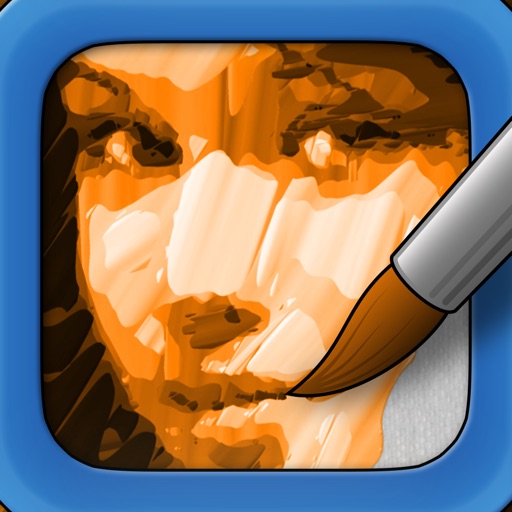
Transform photos into paintings with art filters inspired by famous artists like Warhol, Modigliani, Picasso, and Rembrandt. Apply 50+ aesthetic lens effects. Edit images without Photoshop skills. Share edited photos directly.
The app offers live-calculated brushes and strokes that interact with a generated canvas texture. Users can adjust parameters like color and size while painting, and stroke size changes based on fingertip contact with the screen.
Coloring offers a wide range of images for users to , including animals, birds, mandalas, food, patterns, flowers, and places. Daily updated collection provides new images to . Includes -by- pages to teach recognition and improve fine motor skills.
Create and share photos and videos for social profiles. Add captions and copy them to posts. Use hashtags to increase engagement and follower growth. Edit reels, stories, and posts with an intuitive editor.
AI-powered colorization adds realistic colors to and photos with a single tap. Manual adjustment tools let users fine-tune colors. Before and after preview allows comparison of results. Export edited photos in various formats.
Add a to enhance images with dozens of beautiful and backgrounds. Choose from various background colors and filters. Adjust contrast, brightness, color temperature, sharpening, saturation, and color balance. Add text watermarks to photos.
Record videos with facial tracking to animate photos as celebrities, politicians, or paintings. Switch between multiple faces in a single image. Share videos on social media platforms like Instagram, TikTok, and Facebook.
Create artwork using AI by entering descriptive text. Generate images based on prompts like "Dream," "Skyline," or "Robot." Edit and share the resulting paintings directly.
Remove people from photos using AI-powered editing. Select and erase unwanted individuals or backgrounds. Adjust and refine the result for natural appearances. Save and share edited images directly.
Create AI-powered videos with one tap. Capture 4-cut photos with pose guidance and unlimited retakes. Turn selfies into cartoon characters with customizable styles. Add dynamic music and effects to photos and videos. Share edited content directly.
Can and color with tools like pencils, brushes, and crayons. They can create paintings of animals, fruits, and vehicles. Includes pages for princesses and toddlers. Features a drawing book and creative doodling options.
Edit photos with skin smoothing and whitening features. Adjust enhancement levels from 1 to 8. Apply 12 unique filters for enhanced selfies. Add makeup tools for detailed facial enhancements. Save and share edited images directly.
Convert to grayscale and highlight a specific . Tap to select the to emphasize. Preserve detail and apply effects using advanced computer vision. Export edited images directly.