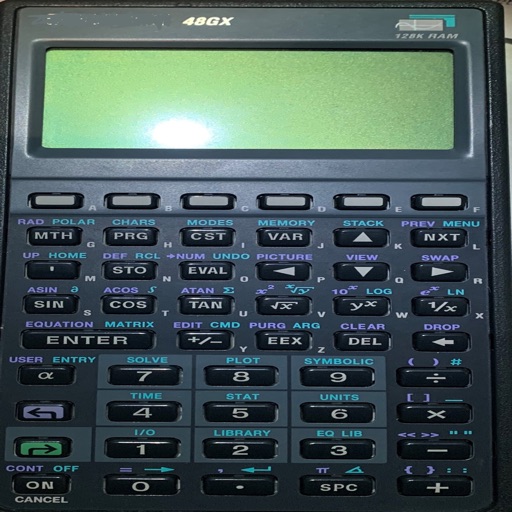
Allows users to perform calculations using natural language inputs. It supports various units and functions for problem-solving. Users can handle currency conversions and date math in real time. The enables equation editing and result tracking.
View live METARs and TAFs for saved airports. Check NOTAMs and D-ATIS data. Access status maps. Perform e6b calculations with visualized results. Use home screen widgets for quick data. Sync with Apple Watch for on-the-go updates.
Organize tasks using the Eisenhower matrix to prioritize by urgency and importance. Create to-do lists, set deadlines, and track progress. Sync across devices and receive reminders for pending tasks.
Between over 100 languages. Use voice playback to hear translations. Save favorite translations for quick access. Copy translated to clipboard or include in emails and messages. Compatible with iPhone, iPod Touch, and iPad.
Digital measures ambient temperature using GPS and displays it in . Shows temperature in badge format with below-zero indicators. Includes to Celsius conversion calculator with formula.
Displays messages on an iPhone, iPod touch, or iPad screen. Users can create and play messages to communicate discreetly in various settings. Messages can be shown without attracting attention.
Create spreadsheets by scanning data, text, and numbers. Perform calculations without typing formulas. Generate charts and export reports in various formats. Drag and drop elements to build calculations.
Customize the 's appearance with color changes. Switch between basic and scientific modes with over 30 operations. View calculation history and equations. Perform calculations with precision up to 75 significant digits.
Calculate rates using AGA 3 standard. Determine MCF per day for a single well. Input duration and other parameters. Perform rotary (direct) MCF calculations. No cell service required.
Perform complex calculations, solve equations, and manage multiple tasks with a scientific calculator. Access a library of functions for engineering, math, and finance. Store and retrieve previous results. Switch between different calculation modes.
Calculator with large keys and 4 basic functions for use. Review entries using tape, add comments, timestamp, and email numbers. Bring past entries into current calculations.
Control your Mac or PC with an iPhone, , or iPod. Use simulated touchpad and keyboard functions. Access panels for media playback, file transfers, and presentation controls.
™ allows users to perform fraction calculations and convert between decimals and fractions. It supports degree, minute, and second conversions. Users can handle unit conversions and calculations with dimensional units.
Perform calculations with basic arithmetic operations. Save equations as entries. View and share calculation history. Edit equations and manage memory banks. Adjust decimal places for precision.
Scientific calculator allows complex equation solving, graphing in portrait and landscape modes, and polynomial root finding up to 10th degree. Adjust font sizes and graph line widths. Solve systems of equations and matrices.