The app allows users to upload, edit, and share photos from any device. Users can find inspiration and connect with millions of photographers in a large community.
by Flickr, Inc.★ 4.514,799 ratingsPhoto & VideoFreeData updated 2026-09-11
Edit photos with grid layouts, brightness, contrast, and saturation adjustments. Apply filters to enhance images. Create collages with multiple layout options. Export edited photos in various formats.
Edit photos by removing unwanted elements like , skin blemishes, buildings, and lines using AI technology. Crop images and videos with high quality. Eliminate dark spots and acne from faces or bodies. Adjust and enhance images for a polished look.
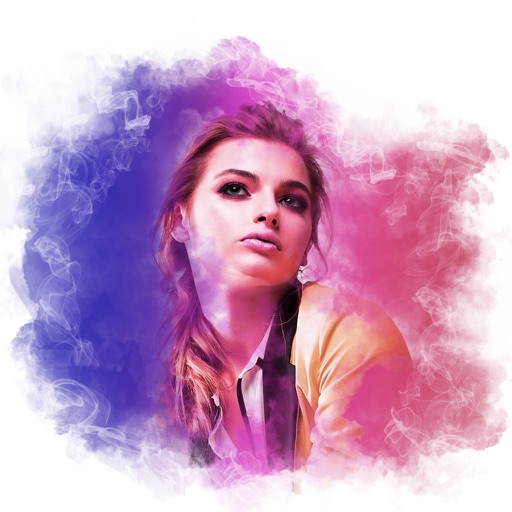
Remove backgrounds from photos using AI. Create personalized pet portraits and funny avatars. Generate AI-powered videos from images. Upload photos and apply pre-designed templates. Edit and enhance images with filters and effects.
Edit photos adjustable temperature, tint, and exposure settings. Use texture blending tools and apply effects. Add stickers opacity and shadow control, and include text 3D effects and multiple fonts. Crop, rotate, and straighten images.
FEEL APPS YAZILIM HIZMETLERI SANAYI TICARET LIMITED SIRKETI
Edit photos, plan feed layouts, preview grids
Edit photos with filters, cropping, and brightness adjustments. Arrange images in customizable layouts. Preview and adjust feed compositions. Share edited photos directly to Instagram. Apply creative effects and text overlays.
On blank paper using painter tools and save as a single image. Edit photos with effects, stickers, blemish removal, smile whitening, and cropping. Add text, lines, shapes, and apply lighting and color adjustments. Share edited or drawn content.
Edit videos by trimming, splitting, and rearranging clips. Add transitions, background colors, and text. Include music and filters. Crop, zoom, and rotate individual frames. Share finished videos directly.
The app allows users to create clone photos by combining up to six images. It provides a ghost imaging technique while taking photos and offers numerous filters for editing.
Edit photos with cropping, resizing, and removal tools. Apply filters, adjust colors, and add text overlays. Export images in various formats and share directly to social media or online stores.
Photos to reduce file size without quality loss. Resize images for social media, email, or web. Crop photos to adjust framing. Save and share optimized images directly.
Edit photos with blur background settings, shattering effects, and color frames. Add overlays and crop, rotate, or flip images. Import from gallery or camera, and share edited photos to social media.
Edit photos with Polaroid borders, effects, and film grain. Adjust brightness, contrast, and saturation. Add retro text and share directly to social media.
Plan wedding shoots with customizable templates and timelines. Access a member-generated posing catalog for pose ideas. Edit photos with basic tools and export in various formats. Share content directly to social media platforms.
Take photos with single-tap effects and professionally designed filters. Adjust brightness and contrast. Apply blur and focus. Rotate and crop images. Export edited photos in various formats.
Download True HD in ultra high definition. Categorized are available for easy browsing. Save to your device for personal use. Customized fit specific screen sizes. Share selected on Twitter or Facebook.