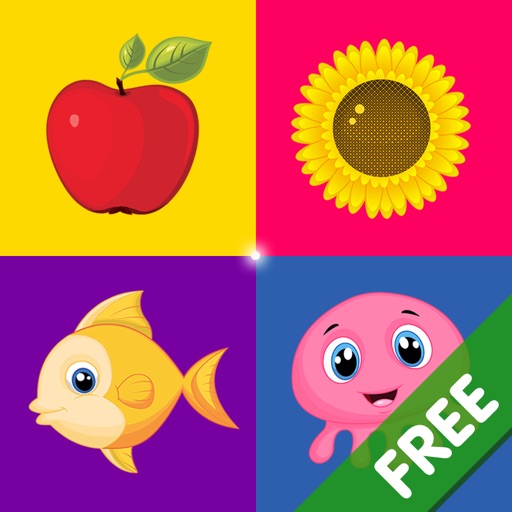
The app presents letters, numbers, shapes, and colors when the screen is touched. The screen is divided into four buttons, each dedicated to a subject.
by David Mickey★ 1.01 ratingsEducationFreeData updated 2026-09-11
Stimulate baby's vision with animated and sounds. Features include contrast-rich visuals, simple shapes, and playful expressions. Includes 12 animated characters for interactive engagement.
Learn numbers, letters, and basic math through interactive . Trace letters and numbers, practice phonics, and read stories. Complete math tasks and track progress. Sync with educational standards and access a safe, curated learning environment.
Trace letters, numbers, and shapes with interactive exercises. Complete puzzles and to reinforce learning. Receive instant feedback and track progress through visual rewards. Share achievements with parents or teachers.
Educational help children learn numbers, math, letters, and reading. Features include tracing exercises, phonics activities, interactive stories, and progress tracking. Content is designed for with ADHD, Dyslexia, Dysgraphia, and Dyscalculia.
Learn numbers, patterns, and colors through interactive magic-themed activities. Attend classes to cast spells, mix potions, and sort magical items. Help Raccoon collect dishes and items to complete challenges.
The app presents one thousand questions about the biography of the Prophet Muhammad. Questions are divided into fifty stages, with four possible answers for each.
Kids can using letters, numbers, or simple math problems to guide their coloring. Choose from a variety of coloring pages. Develop number and letter recognition through interactive activities.
Crossword puzzles for children aged 3-10 and English learners. Features include color-coded letters to guide word placement, vocabulary building, spelling practice, and reading exercises. Includes 8 with themed words.
The app offers over 25 interactive learning games for children aged 2 to 6. It focuses on developing fine motor skills and hand-eye coordination through activities involving alphabets, numbers, colors, and shapes.
Teaches sorting and comparison through interactive mini-games. Features colorful object matching and simple touch-based sorting. Includes age-appropriate challenges to develop early skills. Encourages repeated play with progressively complex tasks.
Play -themed for kids, including jumping , spot-the-difference puzzles, and tap sound activities. Use flashcards and a counting book to learn numbers. Explore colorful scenes with safe, educational content.
Learn numbers, compare values, and explore shapes,
Learn numbers 1-100 through interactive games like connecting dots and matching quantities. Practice comparing numbers. Explore first words about shapes, vehicles, animals, colors, and fruits. Complete educational activities to reinforce learning.
Learn letters, numbers, and shapes through interactive . Play puzzle and coloring activities to improve creativity and logic. Explore phonics, kindergarten , and brain teasers. Includes free content like ABC, 123, and space themes.
Track players' life totals with text entries and large buttons. Adjust settings for different screen orientations. Share game progress and manage turns directly from the device.
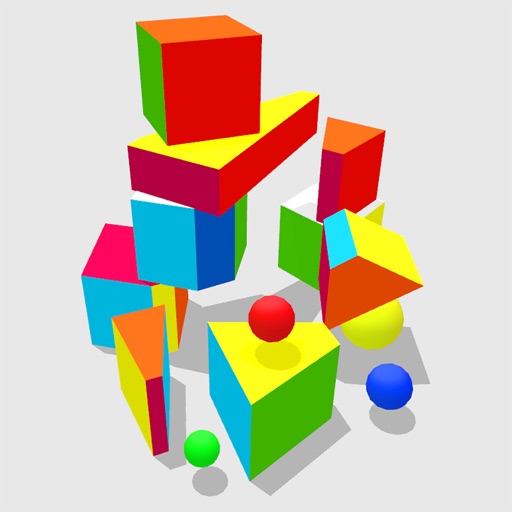
Explore 4D shapes through interactive play with a physics engine that simulates four-dimensional movement. Manipulate objects by poking, throwing, and rolling them. Observe how they behave in unseen dimensions.
Pop balloons to learn letters, numbers, colors, and shapes. Identify animals and first words through interactive gameplay. Complete levels to unlock new content and track progress. Share achievements with parents.
Explore puzzles, numbers, shapes, and colors through interactive games. Match objects, sort by size, and identify shadows. Complete stacker puzzles to reinforce early learning skills. Track progress and repeat challenges for continued practice.
Learn and colors through interactive . Color and fill objects, move animals, and build environments. Create animals using . Includes music and voiceovers. Play offline and add new activities regularly.
Create art with customizable colors, brush sizes, and opacity. Import photos from camera or library. Save and share designs via social media, email, or SMS. Clear canvas for new creations.