Calculate panoramic image size based on screen dimensions and projector resolution. Switch between automatic and manual modes to adjust projector count and overlap. Generate optical reports and power calculations in square meters or square feet.
by piXap★ 5.01 ratingsUtilities$5.99Data updated 2026-09-08
Create frames by combining multiple photos into cells or frames. Adjust frames, add rounded corners, apply photo effects, and add shadows. Choose from 100 frames and customize colors. Share collages to Instagram, Facebook, Email, and Twitter.
Calculate sizes for rectangular and circular ducts by inputting maximum friction rate or velocity. Switch between calculation methods by tapping values. Convert between I-P and S-I units using a toggle switch. Export results for reference.
Design recipes with automated calculations for mash temperature and ingredient ratios. Access 12+ calculators for IBU, water chemistry, and conversions. Track brewing steps and adjust parameters for optimal results.
Calculate VA compensation using official 2026 pay and COLA updates. Input details to determine monthly benefits. View eligibility criteria and compensation amounts. Track changes and compare benefit levels.
Calculate totals using a 10-key layout with reversed operator entry and percentage calculations. Input numbers and operators directly. View totals and perform arithmetic operations.
Change device wallpapers with a vast collection of free, categorized aesthetic images. Search by tags or categories. Preview dimensions and copy color palettes. Access weekly updated content.
Create projects, add members, and share configurations
Create projects and manage members. Add or remove slides and preview each. Switch background images and clone projects. Share configurations as images or PDFs.
Track sales and calculate total costs. Input prices and track inventory. Adjust prices to match local council rates. Generate change for transactions. Manage displayed types based on availability.
Calculate of geometric shapes with step-by-step explanations. Input dimensions and select shape type. View detailed calculation steps. Save results for later reference. Share solutions via email or messaging.
Calculate elapsed between start and end times. Track up to 10 cases simultaneously. Sum across all cases. Save and view calculation history. Manage shift work schedules using data.
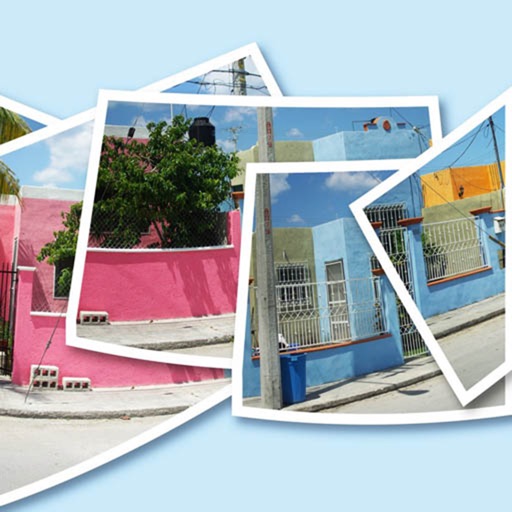
AutoStitchPic combines multiple overlapping photos into a single continuous image. Users can merge horizontally or vertically tiled photos, including multi-row arrangements. The allows merging 3-30 images to create panoramas.
Calculate monthly payments, total amount paid, interest paid, and interest saved from extra payments. Determine time saved from additional payments and view a complete amortization schedule. Export calculations to CSV file.
Calculate feet using length, width, and thickness in feet, inches, centimeters, meters, or yards. Input quantity for total feet. Convert between imperial and metric units in real time.
Track projects with detailed information including size, cost, drill type, and project status. Log start and finish dates, track time spent, and record all color drills used. Note where each project was purchased and monitor order progress.