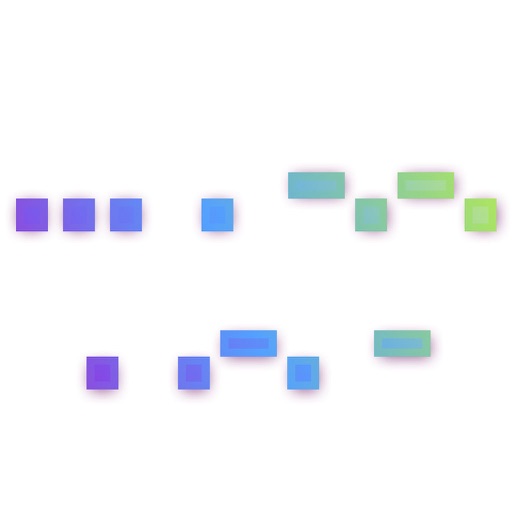
The app transmits messages as morse code and decodes received light signals into text. Users can switch to receive mode and tap the screen to see messages or switch to input mode, type text, and press transmit to send messages.
by reizverstaerker medienwerkstatt OG★ 2.04 ratingsUtilities$0.99Data updated 2026-09-11
COLREGs offers flag identification, weather scales, cloud recognition, sound signal guidance, and vessel light details. Users can access navigation , interpret flags, and understand sound and light signals for safe boating.
Encode and decode text between , Unicode, and Morse code. Support URI encoding and decoding. Calculate hashes using MD2, MD4, MD5, SHA1, SHA224, SHA256, SHA512. Encode images from the photo library to and decode strings to save images in the album.
Learn and practice with interactive drills for each letter. Track progress and repeat exercises for reinforcement. Use the included keyboard to input within any application.
Learn maritime with interactive quizzes and detailed flag information. Test knowledge with randomized questions. View Morse code signals using the phone’s flashlight. Track progress and identify areas for improvement through analytics.
Learn and decode with AI-powered audio recognition that translates sounds into text. Practice through games like sound recognition and typing races. Access a detailed table for reference. Translate text to and vice versa.
Convert your device into a with instant LED lighting. Use mode for continuous illumination. Send Morse code messages using pre-set symbols and toggle settings for signal patterns.
Display custom messages on the screen to communicate in noisy environments. Send short, visible alerts to others nearby. Create and share messages, set Morse Code displays, and play a built-in game.
Send encrypted messages using historical ciphers like A1Z26, Caesar Shift, and Vigenere. Encrypt text with customizable settings. Share coded messages via text or email. Decode messages using the same methods. View details and instructions.
Type messages using on Apple Watch with a built-in keyboard. Send texts via watch without needing a phone. Learn with a cheat sheet. Use dits “.” and dahs “-” to type in on iPhone or iPad with the included keyboard.
Converts text to for messaging. Uses flashlight or screen to send signals. Includes a decoder for receiving messages. Supports letters, numbers, and symbols. Allows custom message creation and playback.
Flashlight provides one-touch activation for bright illumination. Includes multiple flash modes for different lighting needs. Features a function for close-up viewing. Offers adjustable brightness settings and timer options for extended use.
Turn on flashlight instantly with bright illumination. Use camera flash for additional light. Send Morse Code messages in real time. Locate objects in the dark or navigate by lighting pathways.
Secure messaging allows users to send encrypted messages with end-to-end . Register using a fake 8-digit number instead of a phone number. Set a password for login and use a destroy password to erase all data. Connect to a private Morse server.