The app provides a drawing tool for users to create illustrations. Users can share their creations via email, save them to a photo album, or send them as illustrated tweets.
by Erica Sadun★ 2.98 ratingsGamesFreeData updated 2026-09-11
Edit photos filters, effects, and adjustments. Apply brightness, contrast, saturation, sharpness, blur, and focus. Crop, resize, and rotate images. Add masks, text multiple colors and fonts, and . Share photos via Facebook, Twitter, or email.
Play a turn-based game where players guess the correct number to avoid crocodile teeth. Compete against friends in real-time matches. Customize game settings and track scores. Share results via social media.
Play musical instruments like xylophone, drums, and guitar with interactive sounds. Solve puzzles and match games to learn . Create simple melodies and explore instrument sounds. Share progress and achievements.
Create and decorate sweet treats like cookies, candies, and cakes. Select ingredients, apply toppings, and customize designs. Save creations and share with friends.
Kids can color illustrations with touch-screen tools, select from multiple colors and brushes. on provided templates, save or share completed artwork. Listen to sounds and animations, follow drawing lessons to improve fine motor skills.
Color pictures with a variety of tools and colors. Draw on blank pages with easy zoom. Replay videos of drawing sessions. Access a collection of funny and realistic images for and sketching.
Create and send custom Valentine's cards with 15 stickers and 24 background options. Add text, choose from photo album backgrounds, and color the with 60 colors. Email or share via Facebook and Twitter.
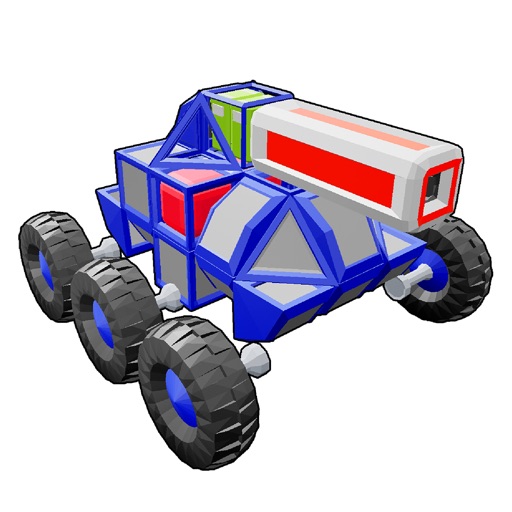
Build and customize vehicles from blocks, engines, and parts. Compete in demolition battles against other players. Design multi-level vehicles and test them in a . Save and share creations.
Allows users to color pages with finger or stylus. Includes a variety of books and templates. Features a drawing mode for creating custom artwork. Lets users save and share their creations. Offers a gallery to view and manage completed drawings.
Read interactive stories with touch, shake, rub, scratch, and tickle gestures to influence the narrative. Explore animated adventures with colorful illustrations and engaging characters.
A companion offers interactive puzzles and logical challenges. Users can create toys with a 3D-printer, decorate a playroom, and grow cosmic plants. The interface is child-friendly and uses neutral language.
Create and edit drawing tools and photo additions. Paint on images finger input. Move, rotate, and scale added . Save and share creations via social media apps. Offers a simple interface for note-taking and visual projects.