Merge multiple photos into a single artwork by selecting and combining image sections. Remove or re-add parts using finger painting techniques. Adjust brush settings for precision.
by Voxeloid Kft.★ 4.71,877 ratingsPhoto & VideoFreeData updated 2026-09-08
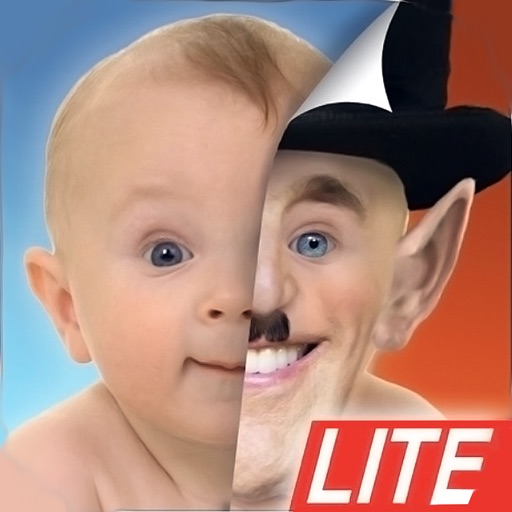
Edit facial features like nose, hair, mouth, ears, wrinkles, and scars. Try different eye colors. Preview changes in real-time. Access a selection of facial parts with some locked in the lite version. Upgrade to unlock all parts and save creations.
Create drawings with customizable brush colors and sizes. Select from 60 color options for background and brush. Save or share artwork. Use random mode to change brush size or color automatically. Access 20 levels of undo.
Edit photos with blur background settings, shattering effects, and color frames. Add overlays and crop, rotate, or flip images. Import from gallery or camera, and share edited photos to social media.
Remove from photos using a freehand cut tool. Select images and create multiple cutouts. Edit cutout details for precise results. Use cutouts as stickers or stamps on other photos. Move, zoom, and rotate cutouts for flexible editing.
Edit photos with AI enhance, magic remove, and background change. Create collages and apply filters, templates, and stickers. Recolor old photos and generate text-to-image or image-to-image edits. Share edited photos directly to social media.