Turn photos into pencil sketches using advanced analysis and redrawing. Select images from the library to convert into detailed artwork. Share the results directly or save as new files.
by Studio Mee★ 4.5142 ratingsPhoto & Video$2.99Data updated 2026-09-08
Convert photos into drawings, cartoons, or sketches with one click. Choose from various effects like black strokes, pastel, or halftone. Adjust edge strength, opacity, contrast, brightness, and saturation. Save the edited result.
Explore cards with detailed artwork and spiritual themes. View 22 major cards, 56 minor cards, and a bonus reflection card. Learn about life, death, and messages from the spirit world through card interpretations.
The app converts user photos into latte art on the iPhone. It offers a gallery of photos and sketches for users to try and allows sharing latte art with friends on selected social networks.
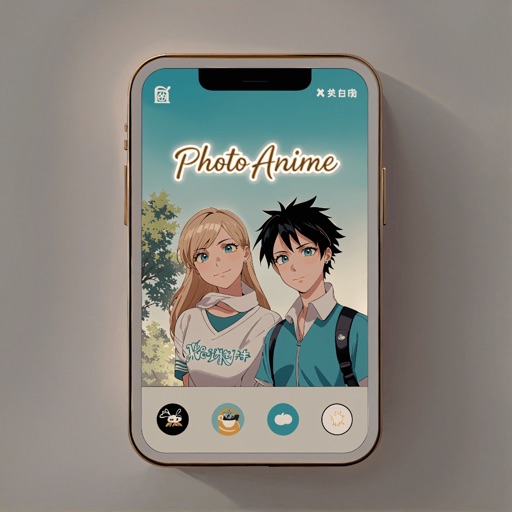
Convert to anime-style artwork using 10+ available styles. Customize transformations with prompts. Save creations to the gallery. Share transformed images directly.
The app provides tools for creating sketches, doodles, drawings, and notes. Users can record video of their painting process or narrate a completed book.
The app converts photos into pencil sketches. Users can take a new picture or select an existing photo to transform into a sketch and share with friends.
Create automatic pencil sketches by uploading images. Adjust sketch details like line weight and paper texture. Export sketches in various formats. Access advanced tools for customizing strokes and paper backgrounds.
Turn photos into paintings using AI. Select from styles like Impressionism, Cubism, and Surrealism. Apply filters to mimic artists such as Van Gogh and Picasso. Export edited images in various formats.
Apply true black-and-white dithering to photos and videos, creating pixel- visuals. Adjust color palettes to mimic vintage computer graphics or classic GIFs. Export transformed in various formats and share directly.