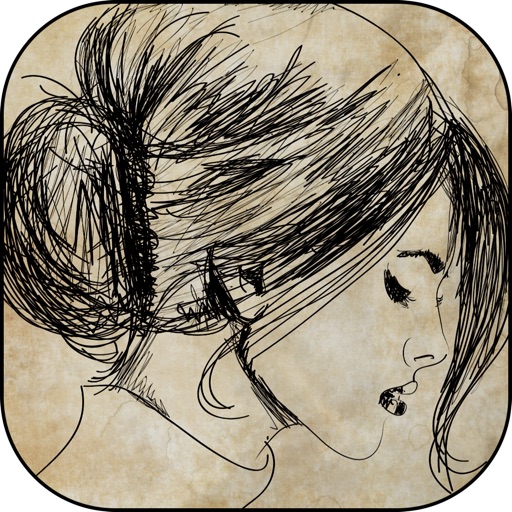
Turn photos into pencil sketches using advanced analysis and redrawing. Select images from the library to convert into detailed artwork. Share the results directly or save as new files.
by Studio Mee★ 4.5142 ratingsPhoto & Video$2.99Data updated 2026-09-08
Create pixel art with automatic double pixel removal for precise line art. Use round, square, and matrix dither brushes. Draw lines locked to isometric angles. Create rectangles and ellipses. Manage layers for animated projects.
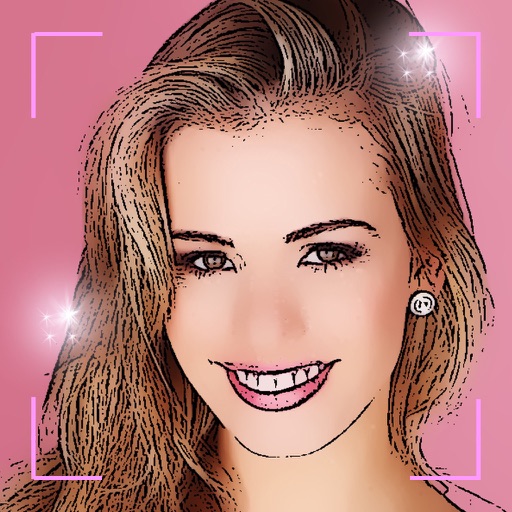
Turn selfies into cartoons with instant morphing and emotion imitation. Apply , pencil sketch, and bug eyes effects. Create old man, moon, or beard styles. Share edited portraits directly.
Convert photos to sketches and styles with AI-powered tools. Adjust line thickness, contrast, and color tones. Save and share edited images directly. Apply filters and export in various formats.
Create and edit drawings with a variety of colors and brushes. Sketch freely and refine details. Save, share, and publish artwork. Include step-by-step process for each drawing. Export in multiple formats and share directly.
Edit photos using Powerful Fill, which generates realistic content based on text prompts in 419 languages. Add hidden messages to images. Export edited photos in various formats. Share directly from the .
Edit photos with advanced tools like layers, masks, and adjustment brushes. Crop, rotate, and resize images. Add text, stickers, and special effects. Export in various formats and share directly.
Create images from text descriptions with AI-generated portraits, characters, and scenes. Edit photos by describing desired changes like removing objects or swapping backgrounds. Transform images into various visual styles using AI prompts.
Convert photos into painting styles using blend modes. Select images from the album. Apply artistic effects to create oil-painting-like results. Save modified images back to the album.
Create and edit digital art with customizable brushes and color palettes. , , and apply filters. Import and modify photos. Save and share artwork. Sync with Apple Health for progress tracking.
Enhance and beautify photos with AI-powered upscaling and detail refinement. Remove blemishes, adjust skin tone, and sharpen images. Apply filters and effects. Export in various formats and share directly.
Record videos and apply real-time . Add animated overlays and custom soundtracks. Adjust speed and export in HD. Share to social media or send via iMessage and email. Import existing videos for editing.
Design tags with customizable markers and nib shapes. Choose from various stroke sensitivities and color options. Save creations with one click. Create personalized street art and tags.
Turn photos into cartoon characters with various artistic styles including marker pen, 3D Polaroids, Animal Crossing, chibi illustrations, and animated movie effects. Apply filters, adjust colors, and export edited images.
Edit photos with color and film filters, vintage textures, and light leak effects. Adjust brightness, contrast, and saturation. Add vignettes and analog film sensations. Export edited images in various formats.