The app helps bassists practice locating notes on the bass guitar. The goal is to develop mental mastery of the fretboard when away from the instrument.
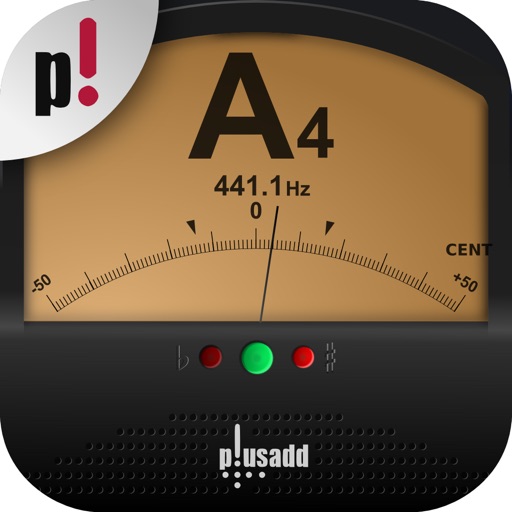
The app listens and finds the user's pitch, showing how far off it is. It tracks notes instantly, displaying the note and its exact frequency in hertz and cents.
Learn music theory through interactive gameplay. Select an instrument, key signature, scale, and note range. Play notes on the staff to destroy them before they harm your clef. Notes increase in speed with each correct answer.
Learn through interactive exercises and a visual approach. Practice reading rhythms and scales. Track progress with step-by-step lessons. Receive instant feedback on accuracy. Export exercises for offline practice.
The app presents a triple horizontal system for playing guitar modes using a 3-notes-per-string approach. It offers an extended fingering system for performing modes across multiple octaves, suitable for various musical genres and skill levels.
Learn and practice guitar notes, chords, and soloing. Complete ear training exercises and sight reading drills. Track progress with daily practice sessions and apply knowledge to real instrument playing. Sync with Apple Health for workout tracking.
Allows users to tune instruments using the device's microphone. It supports custom temperaments and transposition. Features include solfège notation, adjustable calibration, and a spectrum power indicator for sound visualization.
Play music files in formats like MP3, FLAC, and WAV. Create and manage playlists. Adjust equalizer settings and control playback speed. Use audio bookmarks and set sleep timers. Stream to Apple TV, Chromecast, and Sonos.
The app tests knowledge of triads and seventh chords using audio and visual analysis. Users can compare incorrect answers to correct ones and save results in a filterable Grade Book.
The app identifies chords by selecting two or more notes. It offers extensive chord databases and allows users to hear chords played as block chords or arpeggios.
Create and practice guitar or bass rhythms with loops in funk, rock, reggae, and blues styles. Adjust playback speed for tempo matching. Loop continuously for uninterrupted practice.
Turn iPad into a violin instrument by placing fingers on the screen to change notes. Move another hand to bow strings and shape sound in real-time. Pluck the screen to produce tones. Adjust bow pressure and position for dynamic control.
Tune string instruments by playing chords and adjusting strings based on visual feedback. Use a chromatic to match desired notes with color indicators. Select instruments like guitar, banjo, or violin for accurate tuning.