Learn and practice Morse Code by touching the screen to generate tones. Adjust tone frequency from 300 Hz to 1200 Hz and control volume. Send dots with short touches and dashes with longer holds.
by Ronald Nicholson★ 4.528 ratingsEducationFreeData updated 2026-09-08
The app generates selectable waveforms and frequencies for tuning instruments or testing electronics. Users can select musical instruments to automatically generate tone scales or use a 9-octave keyboard to play desired notes.
Teaches high-frequency to children. Includes over 1,600 covering up to 85% of early reading materials. Features interactive games, progress tracking, and word recognition exercises.
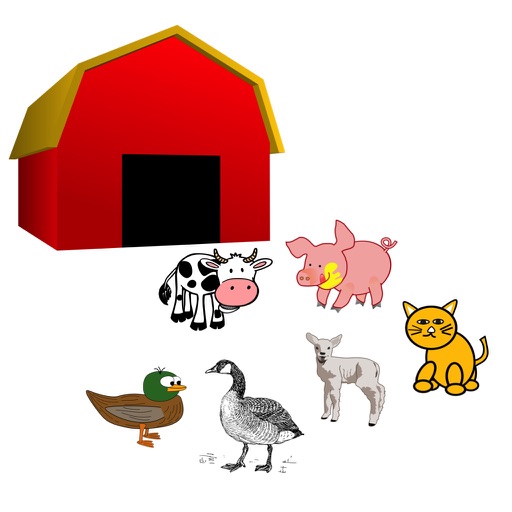
The app provides sensory stimulation for seniors with animal sounds. Touching an animal picture plays its sound, says its name, and then removes the picture.
Generate tones for phone numbers, special characters, and pauses. Tap or hold keys to produce accurate tones. Watch digits highlight during playback for precise control. Manage tone sequences and control calls externally.
The app computes distance and bearing using Maidenhead location. It displays a map with annotations and overlays identifying grid areas, and allows users to add new annotations by touching the screen.
Allows users to tune instruments with a chromatic tuner that detects pitch quickly and tracks low notes. It displays LED and cent readings for precise tuning. Users can set reference tones for ear training.
The app provides remote control for the Hughes & Kettner GrandMeister 36 amplifier. It allows users to view and adjust tone and effects settings, name presets, and manage amp presets.
The app provides the full text of the California Health and Safety Code for iPhone and iPad. It offers fast full-text search, read-aloud functionality, and the ability to email or print sections without needing a network connection.