The app provides vector drawing tools including lines, shapes, and freehand drawing with vectorization. Users can edit object attributes, use snapping functions, and manage drawings across multiple layers and an object library.
by Eric POUSSE★ 4.714 ratingsProductivity$11.99Data updated 2026-10-21
Create detailed technical illustrations and artistic designs with vector editing tools. Draw, reshape, and color elements with precision. Import and export files in multiple formats. Use layers, masks, and effects for advanced design work.
Use iPad with Apple Pencil as a liquid crystal . Draw in PC programs like Photoshop and Clip Studio. Supports wired and wireless connections. Offers high-performance drawing experience without additional hardware.
Use AR to project drawings onto surfaces. and paint with customizable brushes and canvases. Save and share artwork. Adjust lighting and perspective for realistic effects. Import images to base sketches on.
View and manage CAD drawings with support for DWG, DXF, and PDF formats. Open multiple files simultaneously. Use scale tools to distances in meters and perform continuous length measurements. Add annotations and markups directly on drawings.
Create and share organizational charts automatically
Create and manage organizational charts without manual drawing. Add and customize elements with color, shape, size, and text. Automatically arrange elements and share charts. Sync updates across devices. Export charts in multiple formats.
Teaches drawing through interactive lessons and animated strokes. Breaks down drawings into simple shapes. Allows users to practice on a digital canvas. Offers guidance for both beginners and experienced artists.
Draw and animate illustrations with a wiggle animation engine. Export creations as animated GIFs. Share artwork directly without accounts or ads. Collaborate with other artists in a community-driven environment.
Create and refine sketches and designs with layering and scaling features. Add symbols, text, and dimensions. Import images or plans to set scale. Zoom without quality loss. Rotate elements or the entire drawing.
The app allows users to draw and sketch ideas with an easy-to-use interface. It offers various tools like pencil, line, oval, and rectangle, along with an eraser and undo/redo functionality.
The app offers shape recognition for basic shapes and connections. Users can drag and drop shapes from libraries, insert images, and record audio notes with objects.
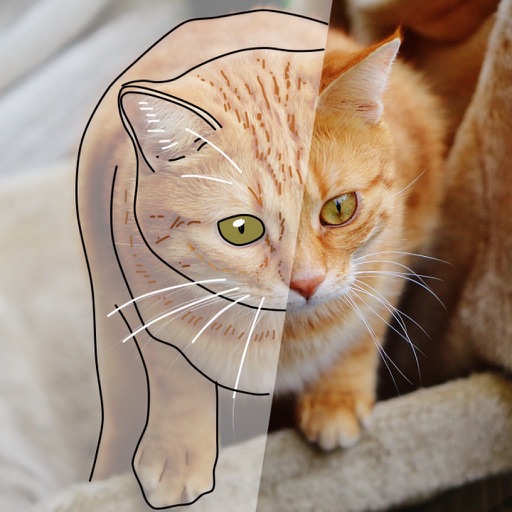
Over image templates with automatic pen tracking for accurate . Select from preloaded categories like animals, flowers, and vehicles. Choose from over 150 colors to customize drawings. Export final artwork in various formats.
The app allows users to draw geometric shapes, color drawings, and retouch photos. Users can share their creations with friends using different drawing tools and colors.
Find and save reference poses for drawing characters. View poses from different angles, adjust them, and save images. Support for VRM file reading and stick figure creation.
Create and edit digital drawings with freehand sketching and customizable brushes. Choose from a wide range of pencils, markers, and color options. Manage layers for complex artwork. Use unlimited undo and redo functions to refine your work.