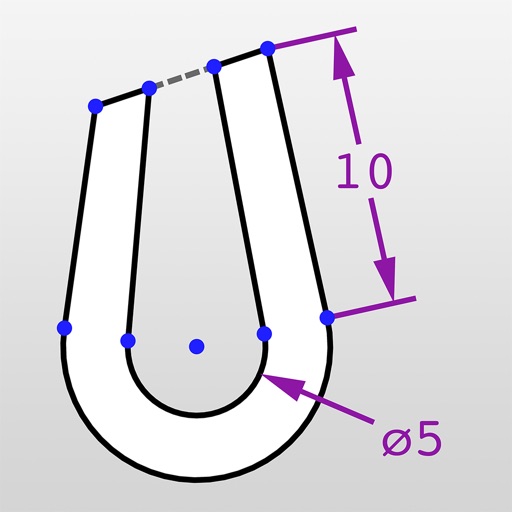
The app provides vector drawing tools including lines, shapes, and freehand drawing with vectorization. Users can edit object attributes, use snapping functions, and manage drawings across multiple layers and an object library.
by Eric POUSSE★ 4.714 ratingsProductivity$11.99Data updated 2026-10-21
Take notes with hand-drawn sketches, text, and diagrams. Use Apple Pencil for writing and drawing. Navigate pages with gestures and undo actions. Export notes to PDF. No ads or data collection.
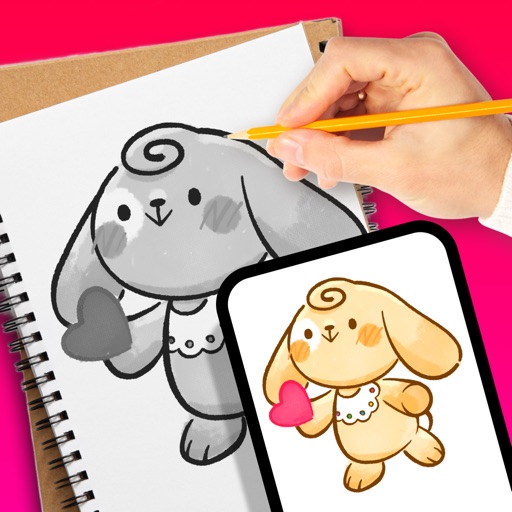
Learn to with step-by-step tutorials and interactive guidance. Follow structured lessons to improve skills. Practice drawing techniques and receive feedback. Save and review progress. Share creations directly.
Calculate using coordinates with options for square meters, feet, acres, hectares, kilometers, and miles. Measure distance between points. Premium users can save areas, add notes, attach images, and calculate prices based on values.
View and manipulate 3D models with rotation, scaling, and sectioning. Support for BIM, Revit, SolidWorks, and over 40 3D file formats. Measure distances and preview assemblies. Export and share 3D designs.
Take notes with customizable ink styles and pressure-sensitive strokes. Choose from various pen tools and colors. Record and sync audio with writing. Draw precise shapes and lines. Share notes directly.
Draw on a or whiteboard with adjustable brush sizes and multiple paint colors. Create shapes like lines, arrows, circles, and polygons. Add text with customizable font sizes. Import photos and record video directly within the .
Create and edit drawings using augmented reality. in real-time with touch or stylus. Adjust colors, brush sizes, and opacity. Share drawings directly or export as images.
Design with precision, edit vector graphics, create
Create illustrations, branding, logos, and UI/UX designs. Edit vector graphics and raster images. Apply filters, adjust colors, and add text. Export in multiple formats and share directly. Sync with desktop versions for seamless workflow.
Capture and annotate object photos with dimensions, arrows, and angles. Add text comments for clarity. Share annotated images for better understanding. Store and retrieve measurements for future reference.
Connect with others to draw in real time. Create and share drawings instantly. Customize canvas with background photos. Place artwork on lock screen. Start sessions without accounts or personal data.
Create and manage personal calendars with handwritten and drawings. Color code events for organization. Drag and drop to reschedule. Add rich text entries via keyboard. Sync with Apple Pencil for precise input.
The app provides 2D vector drawing and design for iPad and iPhone. It offers unique offset controls for precise finger-based editing and supports iCloud synchronization with its Mac version.
Crop and rotate images into various shapes. Add text, arrows, and shapes for annotations. Pixelate sections or draw freehand. Share edited photos directly with contacts.
Create anime-style drawings with step-by-step tutorials. Learn to characters and scenes through guided lessons. Export sketches and access printable templates for practice. Share artwork directly from the .
Draw on a using colored chalks with optional texture. Create unlimited blackboards with adjustable brush sizes and four background styles. Share drawings to Instagram.
Convert physical documents or digital images into editable PDFs via camera. Merge multiple images into one document. Edit PDFs with annotations, rotations, cropping, and freehand drawings. Refine images for clarity.
Convert images, documents, and PPT files to PDF. Draw on images and convert them to PDF. Merge files and add custom watermarks. Perform conversions quickly without draining battery or overloading device performance. All features are free with no ads.