The app provides vector drawing tools including lines, shapes, and freehand drawing with vectorization. Users can edit object attributes, use snapping functions, and manage drawings across multiple layers and an object library.
by Eric POUSSE★ 4.714 ratingsProductivity$11.99Data updated 2026-10-21
The app allows users to create geometric shapes and explore their properties. It includes tools for drawing, annotation, and transformations, with automatic metric calculations and snapping features.
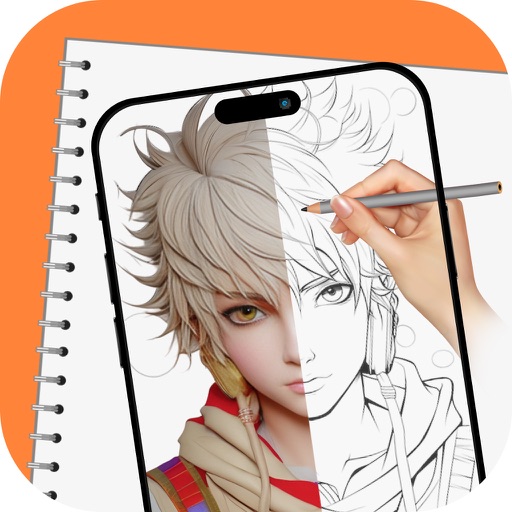
Learn to characters with step-by-step video tutorials on eyes, hair, clothes, and poses. Trace sketches using the device's camera. Progress from beginner to advanced with skill-level tailored lessons.
Study vocabulary or sentences by masking them with adjustable lines. Change line color based on accuracy. Automatically adjust lines for PDFs and fix angles. Batch mask content using search. Import files from cloud storage or device.
Measure distance by dropping pins or drawing paths on a map. Calculate total distance and segments between locations. Search and auto-complete locations. Use current location. Save and share custom maps. View Standard, Hybrid, or Satellite map types.
Edit photos with paint and drawing tools, blemish removal, and image enhancement features. Add text and stickers. Export and share edited images directly.
The app provides drawing tools including airbrush, pen, pencil, line, rectangle, and ellipse. Users can control tool color, size, and transparency, and manage layers with transparency and visibility settings.
Check visual acuity by reading text from a distance. Test for astigmatism with a simple assessment. Identify color blindness by drawing numbers from a screen. Capture an eye image using the phone camera for disease evaluation.