The app analyzes sound pressure levels and provides real-time frequency analysis. It plots sound levels over time and can record audio for playback to identify sound events.
by Andrew Smith★ 3.73 ratingsMusic$9.99Data updated 2026-09-10
Enhance audio beyond standard levels. Intensify for deeper sound. Adjust equalizer settings to customize audio quality. Personalize listening experience for music, podcasts, and videos.
Transforms iPhone into a chromatic and . Detects pitch and displays frequency. Adjusts tempo and beats per minute. Customizable settings for tuning and rhythm. Syncs with audio input for real-time feedback.
Set and time signature for custom rhythms. Adjust subdivisions, polyrhythms, and accents. Switch between training, practice, and recording modes. Sync with audio devices for real-time feedback. Track performance metrics and export session data.
Explore a collection of ambient soundscapes and instrumental tracks. Adjust playback speed and volume. Save favorite tracks to a personal library. Share music via social media or messaging apps.
Create and manipulate sound with three independent synthesizers. Adjust pitch from 8–20,000 Hz. Slide or snap notes to scales with customizable glide rates. Set and edit individual notes for precise musical control.
The app provides real-time spectrum, spectrogram, oscilloscope, and octave RTA analysis. It offers visual representations of ultrasounds with adjustable settings and allows for transposed listening and slowed-down playback of inaudible sounds.
Tune instruments with a strobe tuner interface. Display frequency, pitch, and waveform. Adjust tuning settings and save presets. Connect to devices via USB or Bluetooth. Export tuning data and share results.
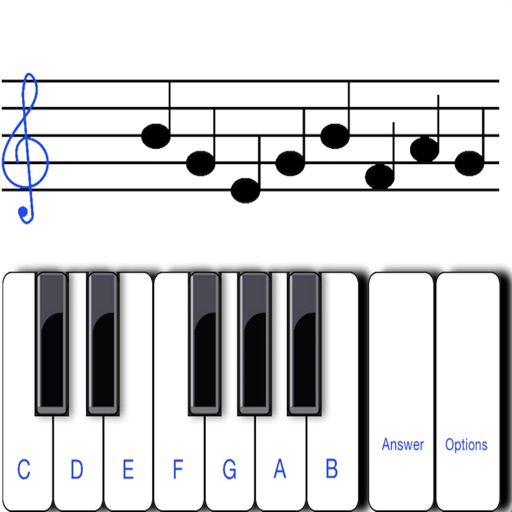
To notes in G and F clefs. Practice notes above and below the staff across six octaves. Randomly generated notes apply to any instrument. Switch clefs for varied practice. Receive feedback on missed notes. Set pace and limit octaves for beginners.
Create using professional-quality audio samples and machines. Access a variety of instruments and effects for sound design. Explore genres like hip-hop, trap, and dubstep.
Record audio with adjustable microphone gain and real-time audio effects including pitch shifting, high and low pass filters, echo, reverb, distortion, and stereo doubling.
The app provides a digital tuner with LED indicators for pitch deviation and a graph displaying sound frequency. It offers automatic or manual note selection and a wide detection range from A0 to C8.
Measure ambient noise levels and compare recordings to reference charts. Save audio files and view a history of past recordings. Requires subscription for saving and active screen display.
Tune instruments with precise audio analysis and quick pitch detection. Use a simple metronome for practice. Supports acoustic guitar, violin, and woodwind instruments.
Create and customize click patterns with the click sequencer. Adjust tempo using advance mode or set silent intervals. Save setlists and track settings. Design detailed click sounds. Support advanced time signatures and custom color schemes.