The app allows users to create collages for iPhone or iPod Touch wallpaper using a multitouch interface. It offers creative options such as a black-and-white or sepia converter, border addition, and transparency adjustment.
by TriggerWave LLC★ 3.22,599 ratingsPhoto & VideoFreeData updated 2026-09-10
Edit photos with nondestructive color adjustments, AI-powered automatic selections, and support for over 750 RAW formats. Use the Repair tool to remove unwanted objects. Export edited images in various formats and share directly.
Edit photos by adding , stickers, and text. Create collages and cards with customizable designs. Upload images from the gallery or take new photos. Choose from pre-designed and stickers. Add notes and messages to photos.
Create photo collages with hundreds of predefined layouts and AI-powered face detection. Combine up to 10 photos in various aspect ratios. Edit images by dragging, scaling, rotating, and flipping. Apply effects and customize frame width and style.
Edit with , , and collage tools. Create montages and custom layouts. Adjust brightness, contrast, and saturation. Add text and stickers. Export edited images in various formats.
Allows trimming, cutting, and adding effects to videos. Collage lets arrange multiple photos into grids or layouts. Slideshow creates timed photo presentations with music. Photo offers filters, cropping, and text tools.
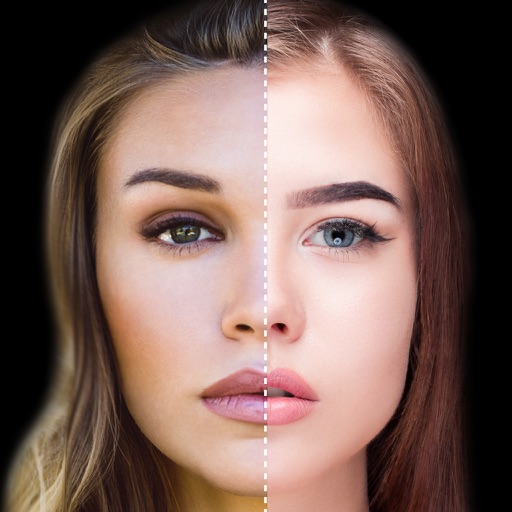
Find lookalikes using AI. Create collages with gradient face-to-face effects. Share with hashtag #looklikeme. Transform photos into art with AI styles. Upscale images for better clarity. No photo storage.
Create collages using pre-designed templates and personal photos. Sort images by color to filter matching photos. View and photo library simultaneously for easy arrangement. Add web images directly from the . Export and share finished collages.
Create collages and cards for occasions like birthdays and holidays. Choose from customizable layouts, backgrounds, and stickers. Apply filters. Add photos to designs and export for sharing. Purchase additional layouts and content packs.
Darkroom allows users to adjust exposure and contrast by selecting optimal strips. Users can manually brighten or darken specific image areas. Features include intuitive controls for developing film-like effects and simulating darkroom processes.
Edit photos with PIP frames, collages, and creative layouts. Add crystal bottle patterns and cartoon styles. Share edited photos directly to social media. Adjust brightness, contrast, and colors. Crop and rotate images.
Crop images into various shapes using over 70 masking tools. Adjust background colors. Export directly to Instagram or other apps. Share edited photos across supported platforms.
Edit photos with AI-powered lighting correction, exposure adjustment, and shadow detail enhancement. Retouch faces and bodies, experiment with makeup and hairstyles, and create collages or videos. Share edited content directly.
Create frames by combining multiple photos into cells or frames. Adjust frames, add rounded corners, apply photo effects, and add shadows. Choose from 100 frames and customize colors. Share collages to Instagram, Facebook, Email, and Twitter.
Solve puzzles with rotating pieces activated by double taps. Autosave progress. Zoom in and out using multitouch gestures. Preview the final image before completion. Adjust difficulty with varying piece counts from 9 to 2000.