Create and play buzzer sounds for games or notifications. Select from normal, low, high, and ultra high frequency buzzers, dial tone, or emergency sounds. Share sounds via social media. Control sounds using Apple Watch.
by Swift Fox Software LLC★ 4.4318 ratingsEntertainmentFreeData updated 2026-09-08
Enhance audio with equalizer settings, , and control. Adjust sound to match mood or preferences. Play music files and control playback directly. Sync with headphones or speakers for improved sound quality.
Create and play sounds in categories like horn, animal, , and gun. Trigger sounds remotely via Apple Watch. Simulate a or other devices. Share or record audio clips for comedic use.
Create and mix audio tracks with DJ tools, access from media or cloud storage, use high-quality pads and loops, apply filters via swipe gestures, and adjust pitch with the Pitch Key A feature.
Create musical sketches and chiptunes using a pattern-based sequencer and high-quality sampler. Record sounds from microphone or line-in. Export in WAV or XM formats. Import and export audio files. Support MIDI keyboard input.
Ultrasonic dog emits high-frequency sound to deter dogs. Adjust frequency settings. Works during cycling, walking, or jogging. Requires iPhone 4 or newer iPod with maximum volume.
Remove water from device speakers using adjustable ejection speeds: slow, medium, or fast. nd customize tones for audio testing or relaxation. Control sound output and adjust frequency settings.
Practice drumming with real high-quality sounds. Select and customize sounds with long press. Adjust positions for different playing styles. Use simple pads with no delay. Choose from abundant color options.
Optimize device audio with frequency adjustments and stereo compatibility testing. Set up custom algorithms via simple questions or manual mode. Schedule speaker maintenance reminders. Monitor processing statistics.
Use advanced frequency cleaning to generate sound waves between 0 Hz and 20 kHz, breaking down particles in speakers. Activate automatic cleaning mode to run a preset session. Monitor progress and manually control cleaning intensity.
Play audience effects like laughter, surprise, and applause. Trigger sounds with comical motions. Use for parties, pranks, or practice. Launch quickly and easily.
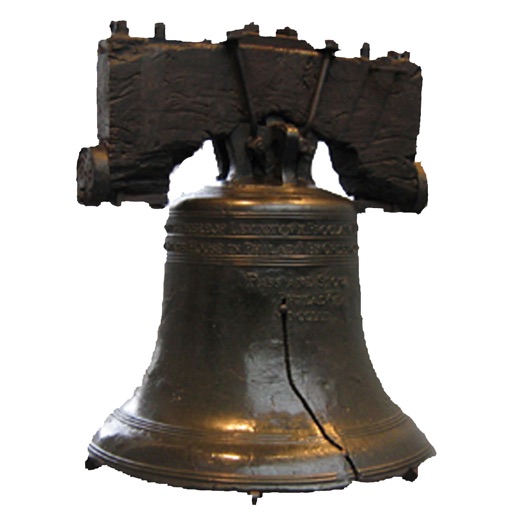
Play audio clips of various by tapping on displayed images. Choose from door bell, cow bell, jingle bell, and church bell sounds. The play button moves with device orientation. No internet required.
The app generates bass tones from 10–150 Hz to test and tune car or home audio systems. It uses pure frequencies for precise adjustments, finding rattles, and setting amplifier gain.
Enhance audio quality with sound boosting and enhancement. Import tracks from local storage or cloud services. Play music with customizable equalizer settings. Adjust levels for optimal listening. Control playback through a user-friendly interface.