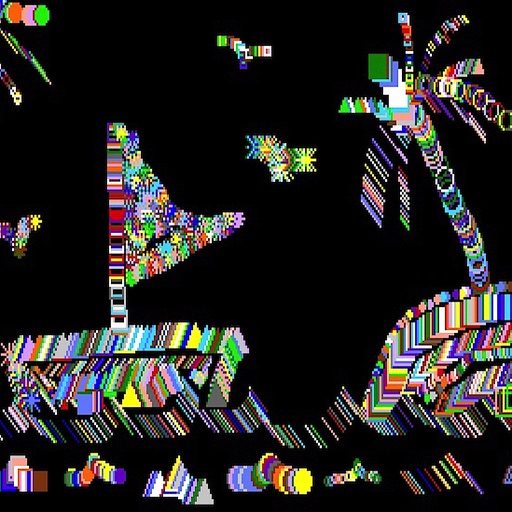
The app draws random shapes in random colors and sizes. Users can clear the screen with a two-finger tap or shake the device to access a menu for background options.
by Thye Chean Lim★ 3.721 ratingsEntertainmentFreeData updated 2026-09-10
Allows users to create drawings using realistic strokes. Users can choose colors, adjust brush sizes, and apply effects. Artwork can be saved, shared, or exported. The interface supports freehand drawing and coloring activities.
Create drawings and paintings using a variety of colors and brushes. Select from pre-drawn shapes and stickers. Save artwork to device storage. Share creations via social media or email.
Play a simulation game where users pilot planes, deliver cargo, and transport passengers between airports. Manage in-game resources, upgrade aircraft, and explore various maps and environments. Unlock premium content through a subscription.
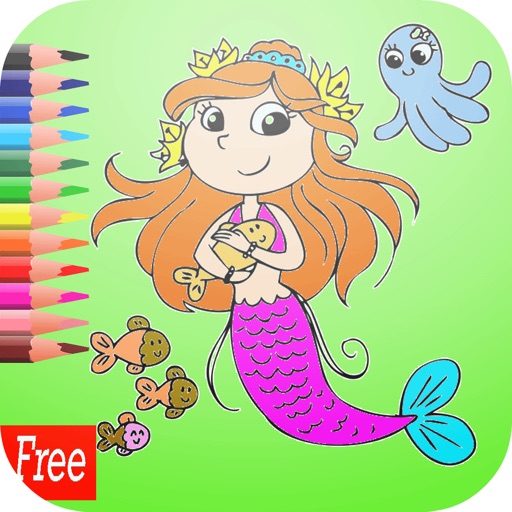
Pages feature -themed images for children to color. Users can select and apply colors to drawings. Options include drawing freehand or using pre-set tools. Save and share completed artwork.
Children can draw, color, and doodle on various themed pages featuring animals, fairies, princesses, vehicles, robots, and aliens. Features include fine motor skill development, hand-eye coordination exercises, and customizable options.
Create and customize drawings with a variety of colors and tools. Select from themed images to color. Add sounds and animations to enhance interaction. Save and share completed artwork.
Create art by following lines with customizable brushes and bright colors. Choose from various patterns and tools. Save and share completed drawings. Adjust colors and brush sizes for detailed painting.
The app offers a classic ping pong experience with doodle-style graphics. It includes easy touch controls, multiple difficulty levels, and various table themes for players to enjoy.
Play a free game with simple controls to help a complete challenges and escape obstacles. Collect pens to unlock new stickmen. Features -style graphics, multiple characters, and goal-based gameplay.
Color images with 2D drawings and various tools including a bucket for filling areas. Explore daily updated collections of images. Share completed drawings via social media or email.
Create and color doodles with glow and neon themes. Choose from various coloring pages featuring princesses and accessories. Save and share completed artwork. Relax while engaging in creative and calming activities.
The app allows users to create glowing artwork with drawing tools and add animations. Users can save creations to their photo album or email them to friends.
Children can draw using step-by-step templates in cartoon and kawaii style. They can choose colors, add stickers, and save their artwork. The includes guided exercises and a safe, child-friendly interface.
Create a universe by combining elements like fire, earth, wind, and air. Build and animate planets through element interactions. Explore a challenging "Planet" mode to design your dream universe. Track progress as elements evolve and come to life.