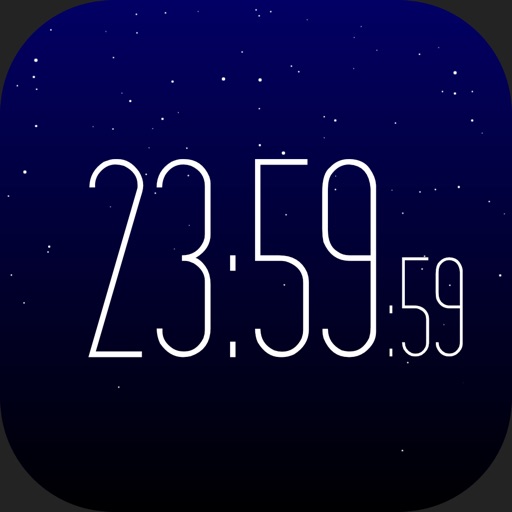
The app displays the time with 140 style options, including 28 color themes and 5 color fonts. It offers 12 or 24-hour modes, portrait and landscape viewing, and customizable clock styles and status settings.
by YoungHo Kim★ 2.816 ratingsUtilities$0.99Data updated 2026-09-10
Set wake-up time and choose preferred sounds. Features include a for reliable waking, sleep pattern personalization, and a always-on display for easy time checking.
Set alarms based on specific zones to ensure they trigger at the correct local . View current for any city. Sync alarms across devices. Adjust zones instantly for accurate scheduling.
Wake up to sounds of cat food cans opening and kittens meowing. Fall asleep to mice squeaking and kittens purring. Customize tones and sleep sounds. Adjust volume and set recurring alarms. Track sleep duration and wake-up times.
Set alarms with schedules and customize snooze duration. Choose vibration or fade-in sound. Select music or preset alarms for waking up. Use sleep timer with background music. Switch between 12-hour and 24-hour formats.
Displays an animated rotating with a starry background. Users can swipe to change styles or adjust camera directions. Options to show or hide the date and second hand are available. Reminders and notifications can be set.
Customize home screen with styles, colors, and layouts. Add, remove, and rearrange . Choose from multiple design options to personalize the interface. Sync widget updates across devices.
Displays date, time, weather, calendar events, and notes on the iPad screen. Users can view upcoming meetings, check weather forecasts, and access notes without notifications or alarms.
Calendar allows users to add customizable calendar widgets to their home screen. Users can choose from various themes and styles, adjust background, text color, and fonts.