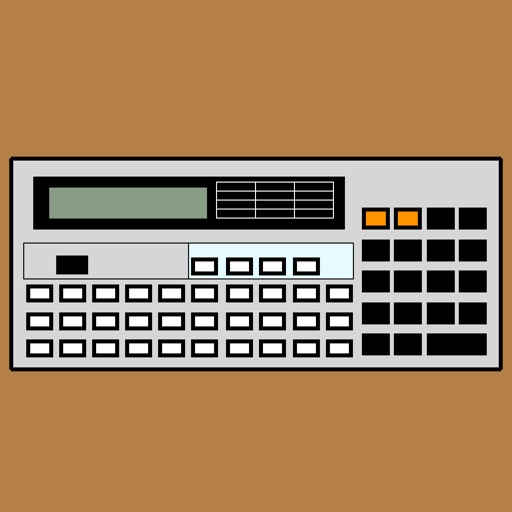
Run and edit programs on iOS devices. Input and execute commands like let, if-then-else, for-loops, and goto. Display simple line graphics. Use as a programmable calculator. Supports minimal language with dim, data, read, and restore commands.
by Ronald Nicholson★ 3.97 ratingsUtilities$4.99Data updated 2026-09-08
A calculator with a clear display and large buttons supports functions. Switch between portrait and landscape modes on iPad. Perform simple calculations without additional features.
Write and execute on mobile devices. Debug programs in real-time. Access a library of sample and tutorials. Save and share projects. Integrate with cloud storage for backups. Run legacy programs and explore retro programming features.
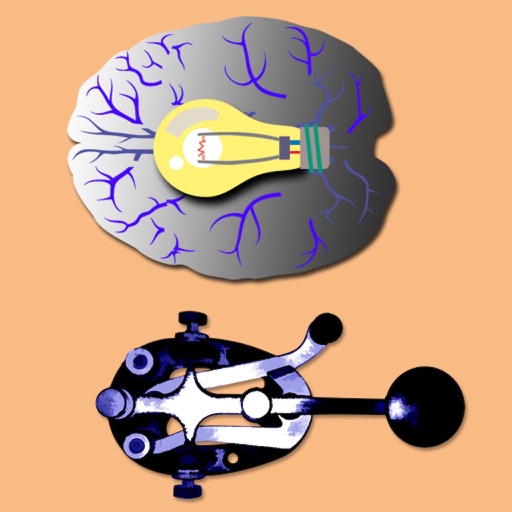
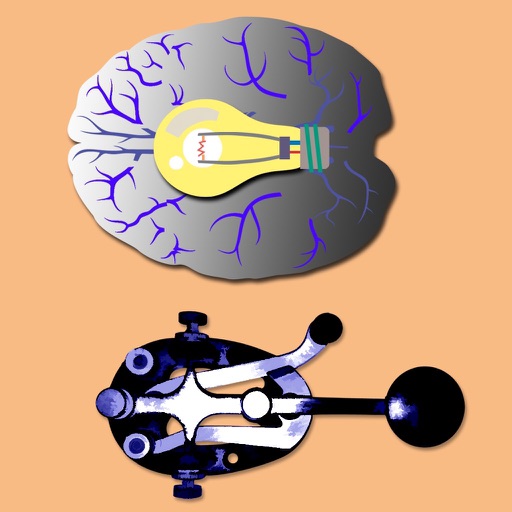
Learn and practice Morse Code by touching the screen to generate tones. Adjust tone frequency from 300 Hz to 1200 Hz and control volume. Send dots with short touches and dashes with longer holds.
A calculator with large buttons and a clear display for efficient calculations. Supports basic arithmetic operations. Includes a Retina Display for improved visibility.
The app generates random 5-letter words for Morse Code practice. It sends these words using the iPhone speaker and allows users to set WPM, dot speed, and tone frequency.
The app generates Morse Code audio tests using common English words. Users can adjust speed and tone, with options to display or hide words for learning and practice.
Solve equations and graph functions with advanced math support. Perform calculus operations and matrix calculations. Customize settings for precision. Access detailed tutorials and a comprehensive user manual.
Perform basic and calculations including trigonometric and inverse trigonometric functions. Use mathematical functions like absolute value, ceiling, floor, and rounding. Modify calculations in real time by clicking steps.
Build mobile projects using JavaScript and React. Run apps on an iOS device connected to a computer. Support interactive gestures and graphics. Requires basic programming knowledge. Uses React Native 0.81.1.
Run code and scripts directly on your mobile device. Execute programs with a single tap and view output in a console. Write functions and classes, import standard library modules. Access built-in AI assistance for help.
Offers basic, scientific, and programmer modes with history views. Users can share results via email or copy-paste values between apps. The supports iPhone, iPad, and iPod Touch devices.
A calculator with a large, easy-to-read display and simple buttons. Perform addition, subtraction, multiplication, and division. Features a clear layout and user-friendly design for everyday use.
Solve math problems with capabilities. Input equations, view function graphs, and analyze statistical data. Perform calculations in algebra, calculus, and statistics. Navigate using arrow keys or touch gestures.
Perform arithmetic operations with a simple interface. View current calculations and track history. Supports universal device compatibility. No advanced or engineering functions included.