Adds location tags to photos taken with supported devices. Users can geotag images from iPhone, iPad, Mac, Dropbox, and Flickr. The automatically records location data during photo capture. Tags help organize and identify where photos were taken.
by Chris Cornelis★ 3.524 ratingsPhoto & Video$4.99Data updated 2026-09-16
Adjust exposure, focus, and white balance manually. Control shutter speed and ISO settings. Use a gray card for accurate white balance calibration. Capture high-quality photos with full manual camera controls.
Organize photos and videos into folders and subfolders. Create, copy, move, rename, or delete media files. Set passwords and covers for folders. Sort by date, name, or type. Add descriptions and star ratings.
Choose a local print store for same-day . Upload photos to print. Select in-store pickup or delivery. Track order status. View available print sizes and options. Share printed photos via social media.
Edit photo including GPS location, date, and time. Remove all to protect privacy. View and modify data with a simple, modern interface. Export edited photos without .
The app allows users to access their NeoFinder catalog files on an iPhone or iPad. Users can find photos, movies, songs, and other cataloged data using the Find Editor and view file details in the Inspector.
Manage photos and videos with customizable passcode access. Organize media, create slideshows, and sync across devices using iCloud and Dropbox. Transfer files via WiFi or direct device connection.
Record audio meetings, interviews, or calls with unlimited length and number of recordings. Transcribe content automatically and organize notes with searchable text. Share transcriptions and integrate with other apps for seamless collaboration.
The app allows users to record audio and take notes simultaneously. Notes are automatically time-tagged to align with the audio track, and the app offers organization by date, category, speaker, or location.
Record with high quality and one-touch start. Pause and resume recordings as needed. Save unlimited files and email or transfer them to DropB for further processing.
Manage files on local and remote servers with browsing, searching, and organization. Edit text, view photos and videos, and record audio. Compress or decompress files, move, copy, and save documents. Sync with iCloud for file access and management.
The app obtains location data from the user's iOS device. It is compatible with applications requiring the GeoGuard Location Validator location check process.
The app allows users to create flyers, invitations, presentations, and logos. Users can choose from pre-made designs or import their own backgrounds and maps.
Compress videos, images, and audio files to without quality loss. Choose from multiple quality settings. Supports MP4, MOV, AVI, MKV, and HEV formats. Export compressed files directly to device or cloud.
The app draws GPS information on a map and exports it as a GPX file. It supports Google Maps and Apple Maps, and can use photo GPS data to locate places.
Send photos and videos from to Photo Studio on Mac or Windows via Wi-Fi. Select items, tap Send, confirm target, and send. Tracks sent items and allows resending new ones. Supports direct transfer to default target with long press.
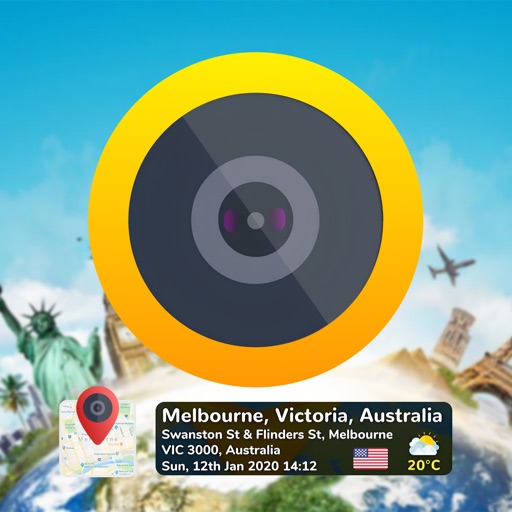
Add time stamps, GPS coordinates, and exact addresses to photos and videos instantly. Enable grid, aspect ratio, switch, flash, focus, and timer settings. Store user locations automatically and reverse-geotag addresses.
Convert documents, photos, and receipts into PDF or image files. Save scans to device storage or cloud disk. Organize files into folders. Share via email, print, fax, or Dropbox. Sync across multiple devices.