The app offers a painting experience with an integrated gallery for viewing other users' works. It records the full painting process, allowing users to view playback and branch off at any point.
by Collecting Smiles AB★ 4.616 ratingsEntertainmentFreeData updated 2026-09-10
Create and edit drawings with over 20 colors and adjustable brush sizes. Save drawings and their creation process in a built-in gallery. Replay or resume drawings at any time. Draw on iPhone, iPad, or iPod Touch.
AI-powered editing transforms photos into cartoon art, watercolor paintings, or other creative styles. Users can apply filters, adjust colors, and add effects. Export edited images in various formats and share directly.
Record videos with facial tracking to animate photos as celebrities, politicians, or paintings. Switch between multiple faces in a single image. Share videos on social media platforms like Instagram, TikTok, and Facebook.
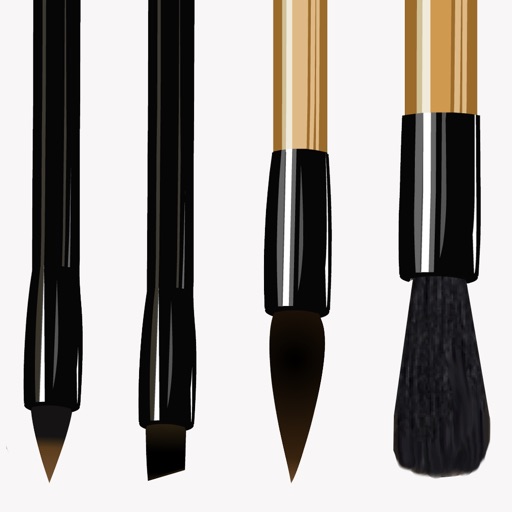
Create images, drawings, and paintings with customizable brush settings including thickness, color, transparency, and dynamic intensity. Sketch and modify simple graphics for logos, clothing, hairstyles, and more.
Create festive winter scenes by painting detailed illustrations. Choose from snow-covered villages and twinkling trees. Customize colors and brush strokes. Save and share finished artwork. Relax and unwind with calming holiday themes.
Draw and animate in a Japanese painting style. Swim through clear water with realistic movement. Scatter flower-shaped bait to interact with the environment. Relax by observing the gentle motion and serene setting.
Allows users to paint and the Family using rainbow brushes and glitter pencils. Includes 200+ pages with themes like animals, cars, and dinosaurs. Features mandala drawing games and interactive activities.
Create art by following lines with customizable brushes and bright colors. Choose from various patterns and tools. Save and share completed drawings. Adjust colors and brush sizes for detailed painting.
Create digital paintings with 6 brush types and full layer support. Use 6 smart guides for perspective, symmetry, and radial effects. Apply 8 Core Image filters and customize colors. Save and manage artwork in a gallery.
Solve logic puzzles by linking clue-pairs to form pixel-art images. Connect clues with paths of equal length. Reveal hidden pictures through deductive reasoning. Adjust grid sizes and difficulty levels. Share completed puzzles.
Create fluid ink paintings with finger swipes. Use tapered brushes for organic line effects. Overlay strokes for layered artwork. Practice minimalist and painting techniques.
Solve logic puzzles by painting squares and filling regions to reveal pixel-art images. Use clues from rows and columns to determine which squares to color. Complete grids to uncover hidden pictures.
Create dynamic sandscapes by painting and dragging to shape particles. Watch flow, stack, and interact with walls and fluids. Customize colors and experiment with different particle behaviors. Share creations directly.
Edit photos with -themed and creative effects. Choose from gallery or camera sources. Apply enhancements for realistic visuals. Share edited photos directly.