The app offers a painting experience with an integrated gallery for sharing creations. Users can view playback of paintings and branch them to explore new directions.
by Collecting Smiles AB★ 3.126 ratingsEntertainment$4.99Data updated 2026-09-10
Turn photos into paintings with one-tap conversion. Edit, add signatures, and share on social media. Print artwork via CanvasPop with frame and size options. Transform videos into animated paintings.
Create digital artwork with realistic painting and drawing tools. Use exclusive brushes mimicking real-world art mediums. Simulate fluid watercolor effects. Adjust brush settings for precision. Export artwork in various formats.
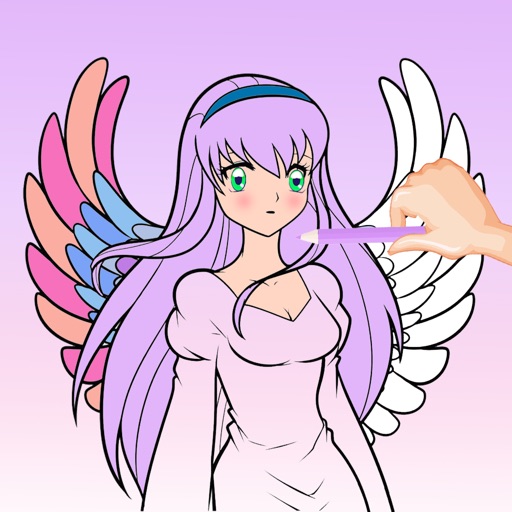
Create art by selecting colors and filling in grids. Choose from pre-designed artworks or design custom pieces. Save and share completed projects. Access a library of free art templates. Adjust color palettes and grid sizes for different projects.
Create objects with customizable shapes and textures. Choose colors and glazes for each piece. Save and view completed works. Listen to calming sounds and music. Adjust workspace settings for personalized experience.
Create by painting individual pixels. Adjust canvas size, select colors, and customize border settings. Erase, undo, and resize drawings. Save artwork to gallery and storage. Share completed pieces others.
Create custom art by taking a selfie or photo. Select and pixels based on numbers. Share finished artwork on social media. Use magic wand tool for quick coloring. offline without internet connection.
Transform photos into , oil, digital, or contemporary art styles. Apply artistic effects with one tap. Adjust brush size, color, and texture. Save and share edited images directly.
Enter text prompts to paintings using AI. Choose from art styles like Cyberpunk, Van Gogh, and Oil painting. Adjust style parameters to refine the output. Export and share the generated artwork.
Children can draw and color using 8 different brushes including crayon, pencil, paintbrush, paintball, chalk, sponge, stickers, and stars. They can choose from over 100 pages. The includes fun effects, sounds, and stickers to enhance creativity.
Upload photos to create fine art. Apply oil-painting effects with adjustable brushstrokes and textures. Save and share high-resolution outputs. Customizable color palettes and brush sizes. Export images for printing or digital use.
Create digital art with natural brush strokes and realistic paper textures. Use 40+ brush presets for detailed painting. Edit images with color adjustments, liquify tools, and cropping. Apply layers and blend modes for advanced compositing.
Create drawings using bright colors and various brushes, glows, hearts, dots, and stars. Paint and record your sessions to review your artwork. Access pro features via optional subscriptions.
Solve logic puzzles by painting squares in grids. Use row and column clues to determine block placements. Reveal pixel-art images as puzzles are completed. Features include multiple difficulty levels and progress tracking.
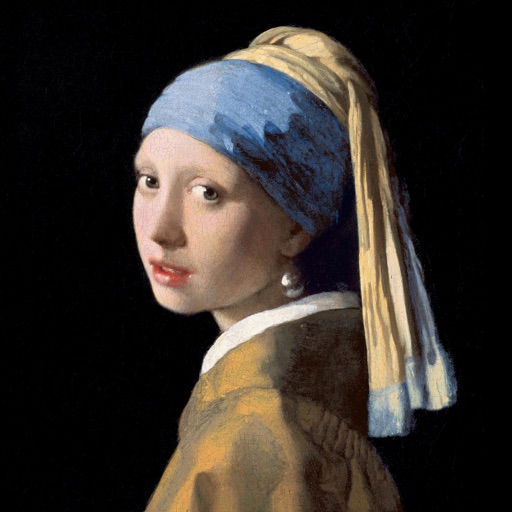
Color the art versions of famous paintings. Choose from a weekly updated collection of artworks. Remove ads and unlock unlimited through the Amuse Museum Club. Save and share completed drawings.
Match yarn balls to unlock paints and create pixel art. Rescue balls by matching 3 or more. Use the holding bar to manage collected items. Complete challenges featuring animals and landscapes. Enjoy ASMR sounds and strategic gameplay.
Color by number game allows users to select and fill numbered sections with colors. Complete puzzles by matching numbers to colors. Choose from various themed images. Save progress and share completed artwork.