Control your Mac or PC with an iPhone, , or iPod. Use simulated touchpad and keyboard functions. Access panels for media playback, file transfers, and presentation controls. Perform actions like dragging, clicking, and scrolling.
Control Apple TV with on-screen buttons, volume, and playback functions. Navigate menus and apps using a virtual remote. Pair via Wi-Fi or Bluetooth for wireless operation.
Manage local and cloud files in one . Transfer files wirelessly to Mac or PC via Wi-Fi using drag-and-drop. Access multiple cloud accounts. Stream music and videos from the cloud. Use built-in tools to organize and view files.
Control computer functions with touch gestures, keyboard input, and movements. Transfer text and images between devices using the cross-device clipboard. Access specialized control panels for enhanced device management.
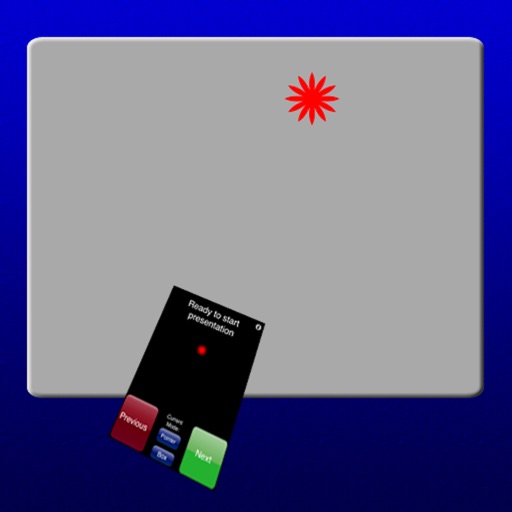
Control a pointer and use it as a stylus for precise screen interaction. Switch between and stylus modes. Create and present slides with smooth page turning. Record notes and annotate presentations directly on the screen.
Turn your iPhone into a wireless mouse, , and touchpad for Mac or PC. Control cursor movement, type text, and navigate menus. Switch between devices and adjust sensitivity settings.
Take notes with customizable ink styles and pressure-sensitive strokes. Choose from various pen tools and colors. Record and sync audio with writing. Draw precise shapes and lines. Share notes directly.
Access FTP and servers to manage remote files. Edit text files, copy and move files between servers and devices. Stream music and videos from FTP servers. Sort and search files within the .
Control Apple TV with on-screen buttons, volume, and navigation. Adjust settings and access apps directly from the device. Pair via Wi-Fi or Bluetooth for seamless remote operation.
Browse websites and stream videos to Chromecast with a single tap. Send embedded videos directly to the device. View video links below the browser and tap to instantly.
Files between iPhone and PC via wireless connection. Drag and drop text, images, music, videos, and documents. Backup data directly to computer. Sync media playback to iPhone without iTunes.