Perform complex calculations using RPN and CAS. Run custom programs and modules. Print or plot results via thermal printer. Import/export data in various formats. Access keyboard overlays and iOS features for enhanced functionality.
by Antonio Lagana★ 4.8108 ratingsProductivity$24.99Data updated 2026-10-22
Run programs and perform calculations using a simulated HP-67 calculator. Input numbers and commands via on-screen keys. Access built-in functions and mathematical operations. Load and execute stored programs from magnetic card files.
The app provides standard scientific functions like roots, powers, and logarithms. It also includes features such as graph drawing, multiple memory blocks, constants, notes, and a history log.
Allows users to perform basic and advanced mathematical operations. It includes a sidebar and tab bar for navigation and data sharing. Users can drag and drop entries to create new windows or use the context menu to generate new windows.
Perform complex calculations with root, power, trigonometric, and logarithmic functions. Calculate factorials and double factorials. Draw graphs, use four memory blocks, insert constants, and make notes.
Manage mobile and internet lines with real-time consumption tracking and balance monitoring. Recharge lines securely using bank card or recharge card and report bill payments. Switch mobile plans anytime through the . Pay bills directly.
Simulate a programmable calculator with input. Run HP-65 programs, store and retrieve data from magnetic cards. View and edit calculator memory. Access historical documentation and user guides.
Perform calculations with a customizable interface and live results. Define and share advanced functions. Use 3D Touch shortcuts and an expandable widget. Search history via Spotlight.
The app offers number crunching power with an expanded keyboard for formula entry. Capabilities include formula dragging, limited graphing, sorting, freezing headers, and CSV import/export.
Graphmatica allows users to plot Cartesian, polar, parametric, and differential equations. It supports data plotting and curve-fitting. Users can graph up to 999 equations simultaneously.
Perform complex calculations using ten built-in calculators. Access ten financial worksheets for budgeting, loans, and investments. Input formulas, view results, and save calculations. Export data as PDF or text. Switch between light and dark modes.
Perform complex calculations with 10 financial worksheets and 10 calculators. Switch between landscape and portrait modes. View results in decimal, fraction, or percentage formats. Save and recall previous calculations. Export data as text or PDF.
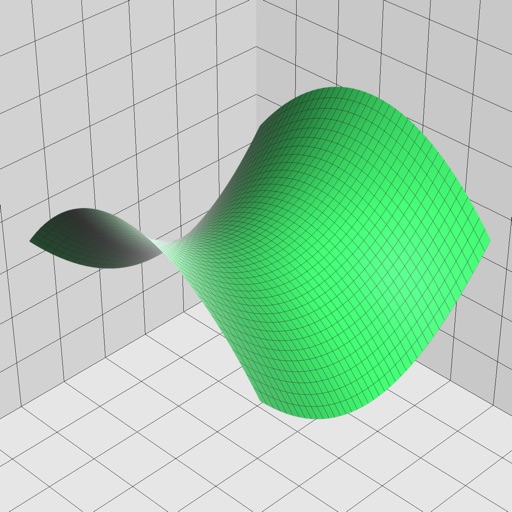
Enter and edit equations in mathematical notation. Visualize 2D and 3D graphs of explicit, implicit, and inequality equations. Adjust settings for display and analysis. Save and share calculations.