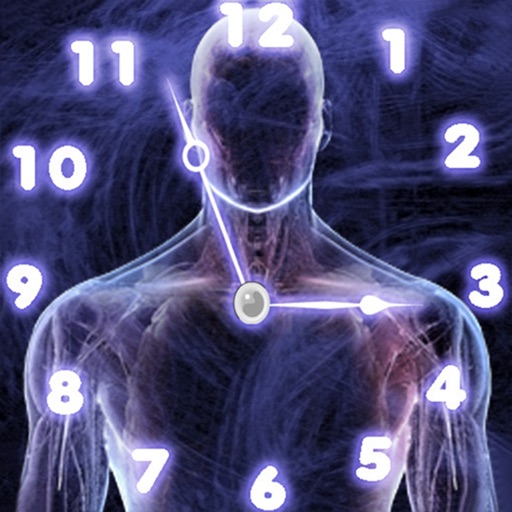
The app offers a unique visual experience with rotating clock hands. It allows users to interact with time through sliding gestures to explore different digits.
by David Bannach★ 2.4447 ratingsLifestyleFreeData updated 2026-09-09
View calendar events as pie chart segments on a 12/24 hour clock face. Drag and resize events to adjust timing. Set reminders and receive notifications. Sync with multiple calendar sources. Share schedules with others via link.
Play search puzzles with a large bank of over 250,000 words. Choose between Zen Mode for unlimited time or Beat the Clock for timed challenges. Compete against others in multiplayer mode. Customize difficulty levels and track progress.
Manage time with customizable styles and switch between 12/24-hour formats. Toggle portrait/landscape view and adjust brightness in-. Sync with iPhone/iPad and enable second show/hide features.
Displays current time with customizable fonts and color themes. Supports 12 or 24-hour modes. Allows users to create custom themes. Compatible with iPhone and iPad in both portrait and landscape orientations.
Calculate age in time, date, year, month, week, day, hour, minute, or second. Save ages with names in favorites. Email results. Track remaining days until next birthday. Use as child, baby, pet, or animal age .
A clock with multiple styles including minimalist, analog, and dynamic designs. Users can customize clock appearance, set alarms, and view time in full-screen mode. Widgets offer transparent components and animated time transitions.
Play against the computer or another player. View available moves and take back moves. Get hints and choose from five difficulty levels. Includes sounds and a clock.
Clock tracks days, hours, and minutes until . Advent widget displays on home or lock screen. AI generates personalized gift ideas and recipe suggestions. Users can plan activities, set reminders, and view festive content.