Color images with 2D artwork and various tools including a bucket fill. Explore daily updated collections of images. Share completed drawings via social media or email. Adjust colors and save progress.
Create and edit digital art with layers, brushes, and customizable tools. Import and export files in various formats. Access cloud storage for file syncing. Subscribe for additional features and materials. Save and export work after trial period.
The app allows users to draw on a blank canvas or import photos. Users can add stickers, text, and shapes, choosing from various brush colors and sizes to create unique artwork.
And write to help characters feel . Complete levels by solving puzzles through drawing and writing. Provide answers to resolve their issues and progress through the . Receive hints when stuck.
Create flipbook animations with frame-by-frame drawing. Use pressure-sensitive pen and eraser tools for artistic effects. Edit with undo/redo features. Add predefined animations and effects. Export and share finished projects.
And write to help characters express happiness. Complete puzzles by identifying what will make them smile. Write answers in your own handwriting. Receive hints if needed. Solve levels by matching expectations with character needs.
Edit photos and videos with grid layouts, templates, and customizable collages. Add exclusive stickers, backgrounds, and doodles. Create Christmas cards and share finished projects directly.
Lucky Spin lets users select options for activities like movies or board games. Shuffle Collections randomizes music playlists or photo slideshows. Draw from a List helps choose items for raffles or books.
Create and customize artwork by drawing lines on unfinished watercolor illustrations. Adjust colors, add textures, and save or share finished pieces. Access a library of 50+ designs for creative exploration.
Create and edit drawings with over 20 colors and adjustable brush sizes. Save drawings and their creation process in a built-in gallery. Replay or resume drawings at any time. Draw on iPhone, iPad, or iPod Touch.
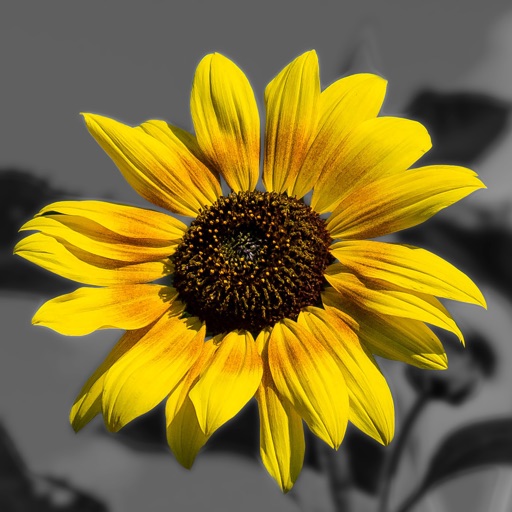
Edit photos by converting them to and and selectively adding with brush tools. Choose from various brush sizes and styles. Apply filters for creative effects. Undo changes with a single tap.
Create art with brushes, glitters, and stickers. Select images from your photo album as a canvas. Erase and redraw freely. Save artwork in a collection book. Share creations directly.
Create sketches and drawings using built-in brushes and canvases. Trace real-world images with AR technology. Save and share artwork directly. Adjust brush size and opacity for detailed work. Import images to base drawings on.
Photos with clipping tools to remove backgrounds, apply predefined effects like glitch and duotone, and enhance images with magazine-level touch-ups. Add text, stickers, and unlimited undo/redo features.
Create drawings with 20 colors and 3 line thickness options. Continue drawing sessions across devices. Access calming background music. No in- purchases or ads. Designed for ages 1 and up.