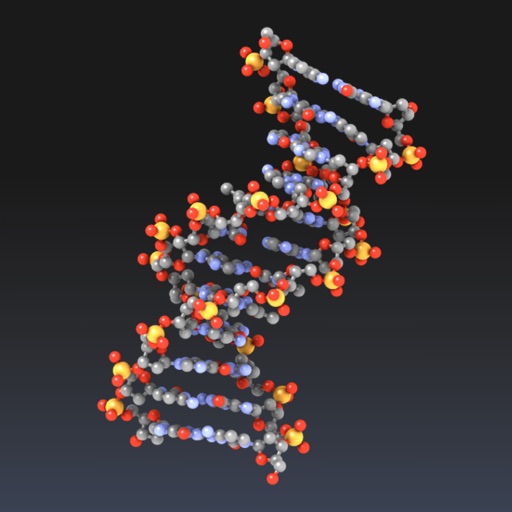
Explore molecular structures in 3D with intuitive gestures and customizable visualizations.
The app allows users to view and manipulate 3D molecular structures. It supports multiple visualization modes and file sharing options for molecular data.
by Brad Larson★ 3.6168 ratingsEducationFreeData updated 2026-09-09
Explore a 3D open-world environment of the of Moses. Navigate through its structure and examine ancient rituals. Learn about its design and purpose through interactive features and historical context.
Build and visualize molecules in 3D. Add oxygen, nitrogen, chlorine, carbon, hydrogen, double and triple bonds, branches, and rotation conformations. Edit structures with undo, redo, and delete functions. Export models for further use.
Calculate beam stiffness matrix for composite beams. Compute A, B, D matrices and transverse shear stiffness for plate models. Determine solid stiffness matrix and engineering constants for solid models.
Find and select colors using intuitive gestures. Save and share colors with their hex codes. Edit colors using a hex keyboard. Capture colors from images. Choose from themed palettes.
Explore the using augmented reality. View planets and celestial bodies in 3D. Manipulate the with zooming and rotation. Learn about planetary features and orbits. Share discoveries through screenshots and recordings.
Create personalized greeting cards by adding stickers, photos, or emojis. Choose gradient backgrounds, fonts, and orientations. Compose custom messages and adjust shadows and opacity.
Control streaming device functions with on-screen buttons and gestures. Navigate menus, adjust volume, and select channels without a physical . Customize button layouts and access shortcuts for quick access to frequently used features.
Organize tasks by splitting projects into steps and subtasks. Prioritize actionable items across projects. View simplified task to focus on next steps. Hide complexity when not needed. Track progress through task completion.
View Leetcode questions and solutions on mobile. progress with a clean interface. Learn Algorithms and Data Structures topics. Save and organize problem sets. Sync progress across devices.
Interviews with algorithm and data structure exercises. Solve problems with step-by-step guidance. Track progress and review solutions. Simulate real interview scenarios and receive feedback.