The app allows users to create art using photos or backgrounds. The app includes various tools for painting and enhancing images with overlays and stamps.
by Scott Squires★ 3.5197 ratingsEntertainment$0.99Data updated 2026-09-09
Edit photos with auto and drawing tools. Apply 20+ effects and unique shapes. Zoom for high-resolution details. Use brush offset to avoid finger interference. Preview and adjust focus areas. Export edited images directly.
Create photos with effects and light leaks. Apply 36 shapes and 33 light leak effects. Use 23 image filters. Adjust size, opacity, and color. Draw multiple shapes with touch. Apply multiple shapes to one photo.
Apply filters and styles to photos to change appearance across different decades. Add faces to historical images. Share edited photos with friends. Access over 90 styles and 3000 5-star reviews. Edit and export images directly.
Customize skies with high-resolution objects and futuristic lens flares. Add celestial elements, adjust lighting, and apply effects to photos. Export edited images in various formats and share directly.
Create original artworks using particle brushes for light effects and designs. Adjust brush settings for texture and flow. Save and share creations directly. Explore artistic inspiration through interactive tools.
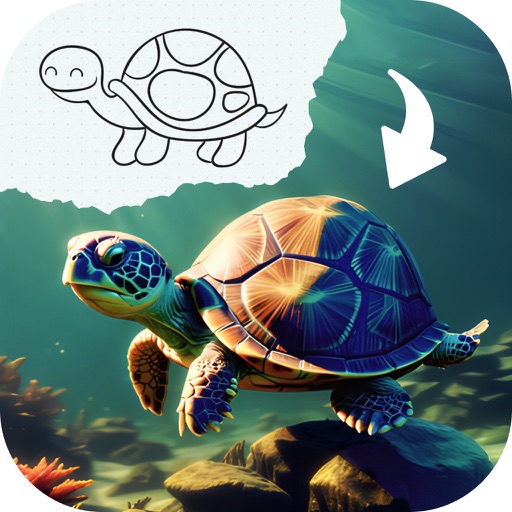
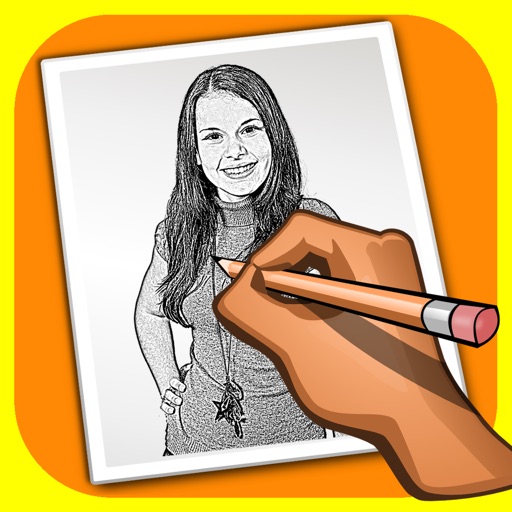
Convert photos into drawings, cartoons, or sketches with one click. Choose from various effects like black strokes, pastel, or halftone. Adjust edge strength, opacity, contrast, brightness, and saturation. Save the edited result.
The app offers a painting application for iPhone and iPad, allowing users to create illustrations with colored pencils. It features a simple interface, color mixture options, and supports up to 16 layers with transform capabilities.
Create infinite repeating designs by mirroring brushstrokes across 17 symmetry patterns. Edit vector graphics with curve smoothing and area fill. Reshape and recolor elements in Edit Mode. Export paintings and tileable rectangles.